

 English
 Deutsch
 Français
📸 A termék oldalán található képek némely esetben illusztrációk, ezek a valóságban eltérhetnek.

Allmapsoft Offline Map Maker
📝 Termék leírása
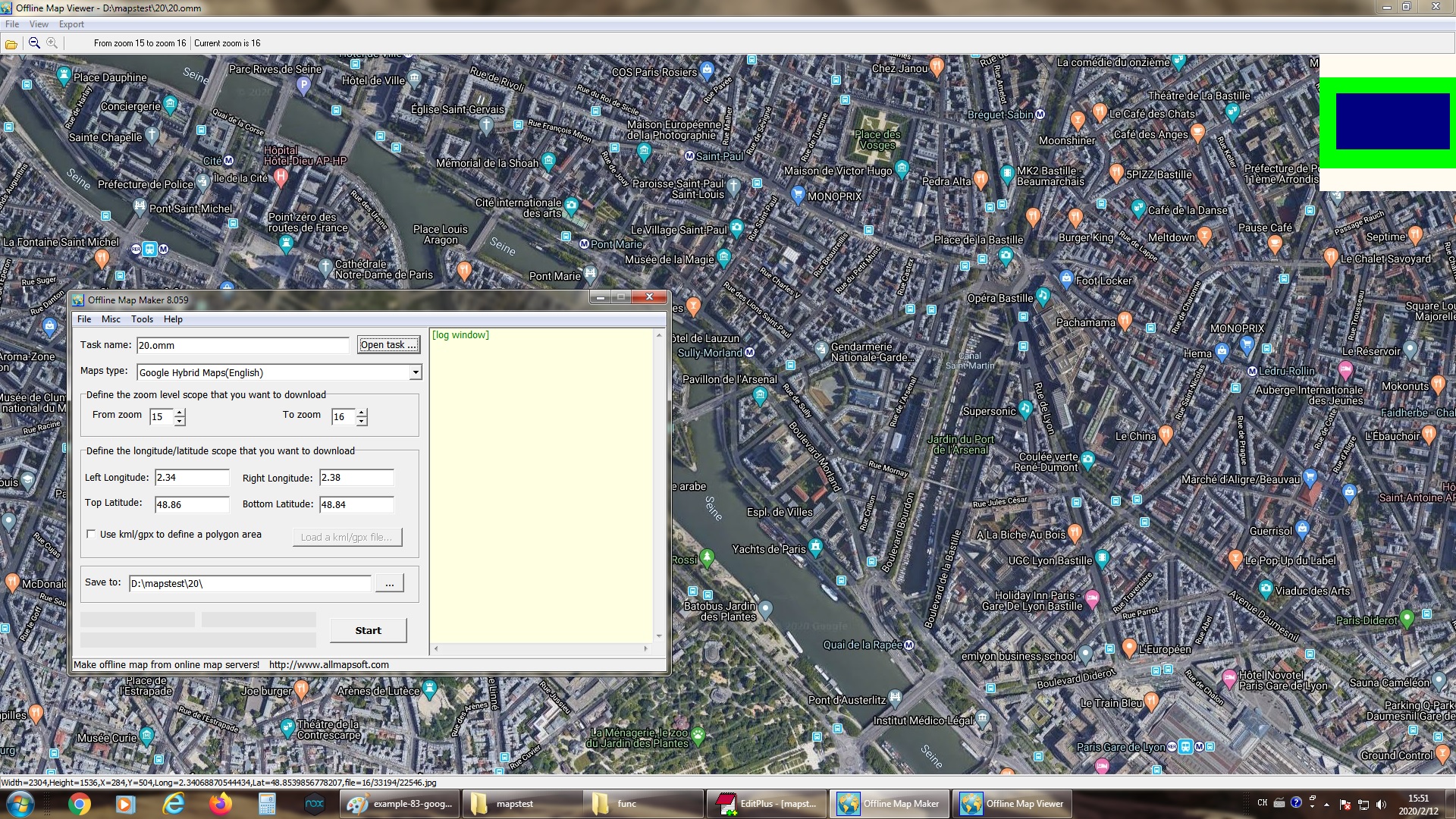
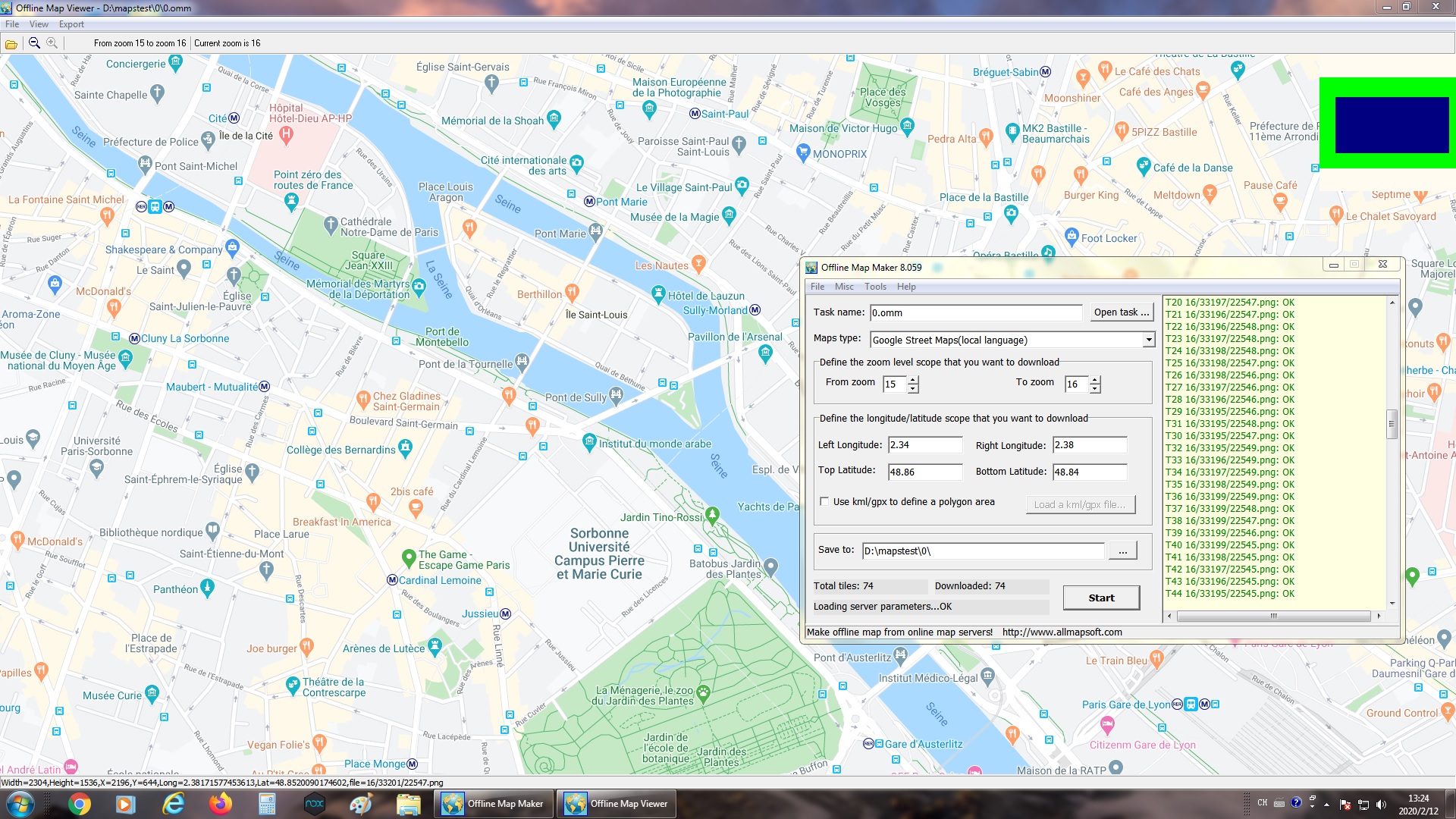
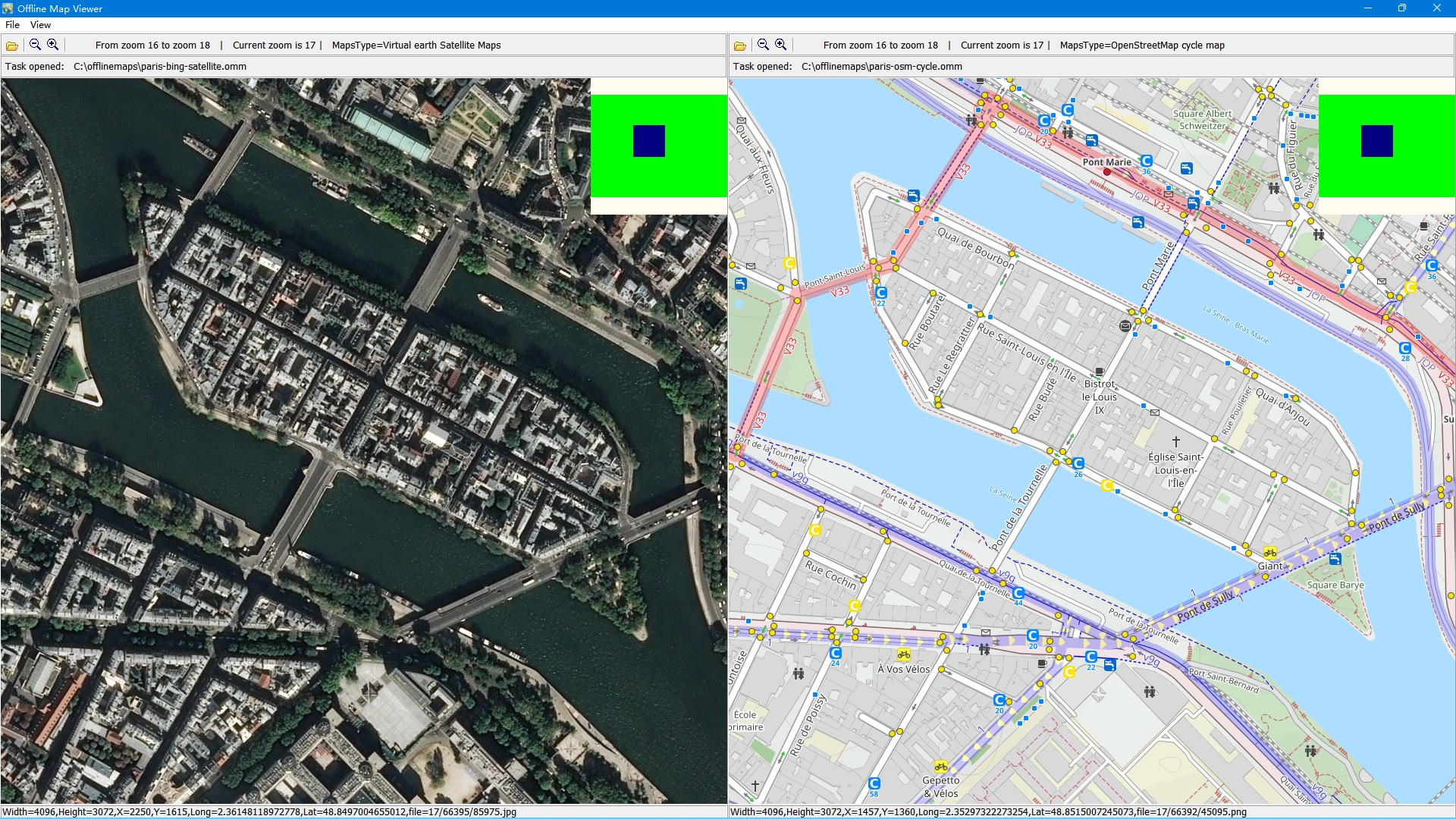
Offline Map Maker is a tool that help you to get offline tile images from a variety of map sources (you can find the list of examples here). After downloading, there are some ways to view the offline maps: You can view downloaded offline map by Offline Map Viewer, and zoom out or zoom in the offline map.
Output the offline map as BMP, JPG, TIFF, PNG, SGI, ECW, IMG, RST, PNM, PDF, MBtiles, GPKG, WEBP, SQLITE, MRF, HDF, netCDF file. Output a xxx.map file for OziExplorer.
Output a KMZ file for Garmin, etc. For some map types, it can create html files for leaflet/openlayers/googleapi named as xxx.html, you can open these html files with IE/FireFox/Chrome, or you can build a web map server with them.
If you copy all images and html files to Android mobile, or Windows Pad, you can view offline maps in them. It can even export all tiles to a sqlite database with MBtiles format, then you use the sqlite db on some Android or iOS apps, such as MapBox, RMaps, Locus Map, Oruxmaps, etc.
When you created a mbtiles file, you can view the mbtiles file with MBTiles Viewer. If you want to make a offline map of your city or interested area by yourself, it is very useful for you.
Offline Map Maker can download multi zoom level in one task!
📋 Általános használati útmutató
A termék aktiválásához kövesd az adott platform hivatalos útmutatását:
- 🎮 Steam
- 🎮 Origin / EA app (új néven: EA app)
- 🎮 Epic Games
- 🎮 Ubisoft Connect (régi nevén Uplay)
- 🎮 GOG (Good Old Games)
- 🎮 Battle.net (Blizzard)
- 🎮 Rockstar Games Launcher
- 🎮 Microsoft Store / Xbox
- 🎮 PlayStation Store
- 🎮 Nintendo eShop
Megjegyzés: A termék aktiválása után azonnal elérhető lesz a fiókodban.
