

 English
 Deutsch
 Français
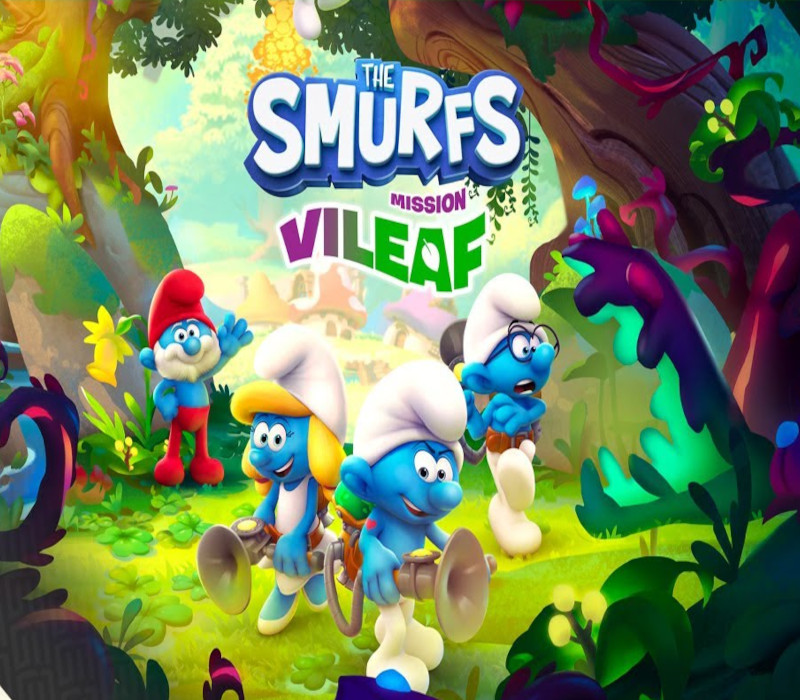
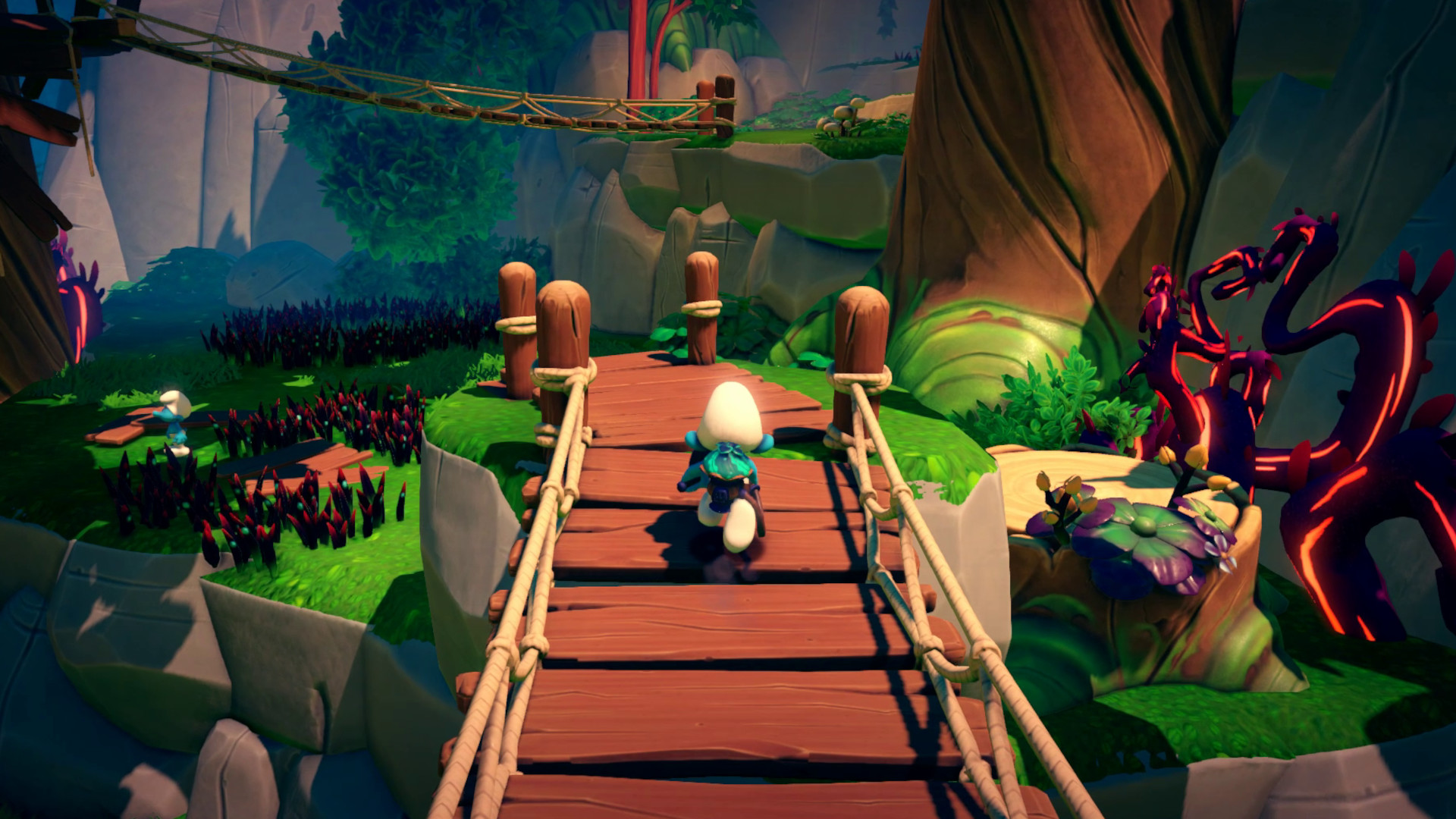

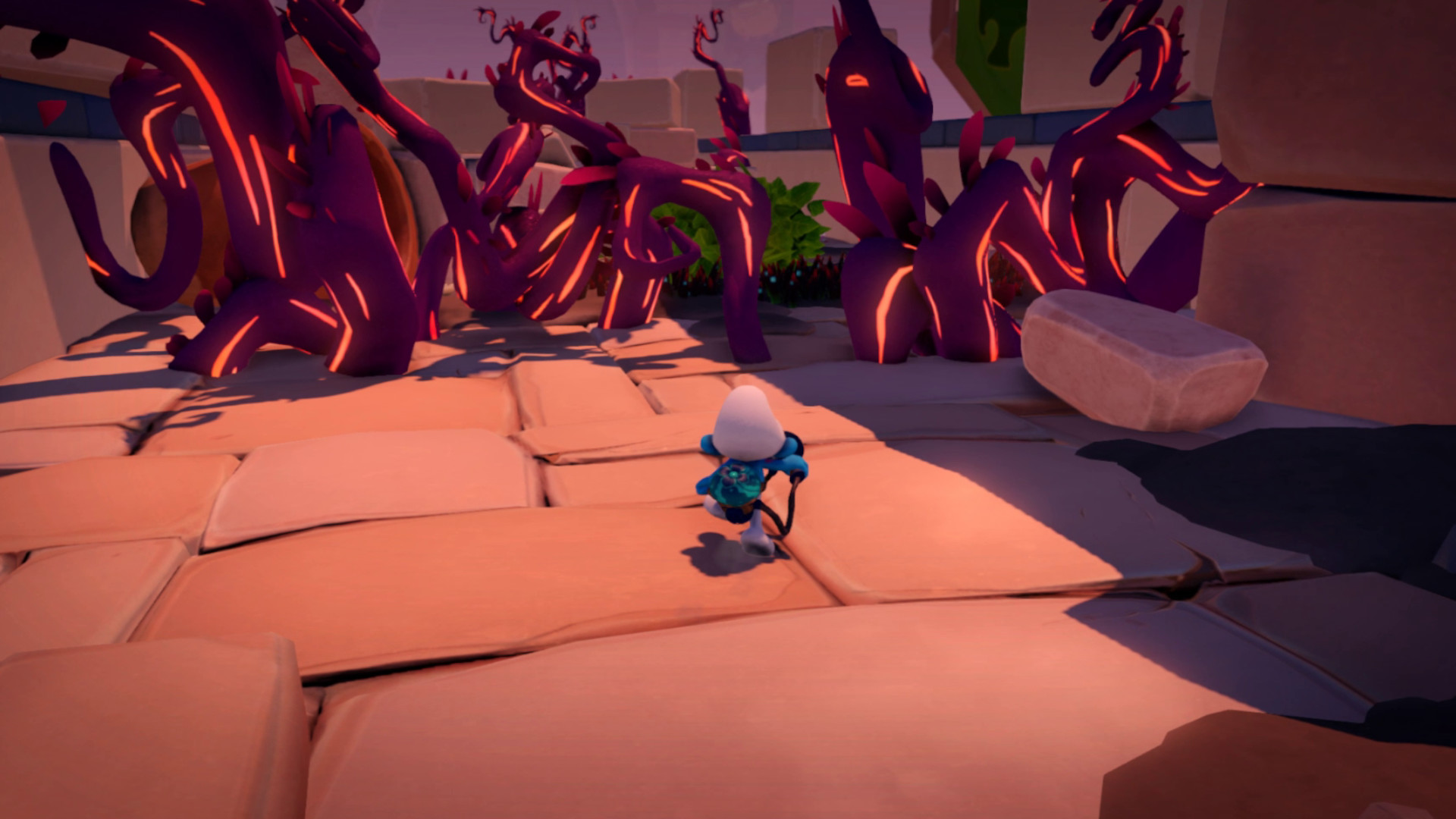
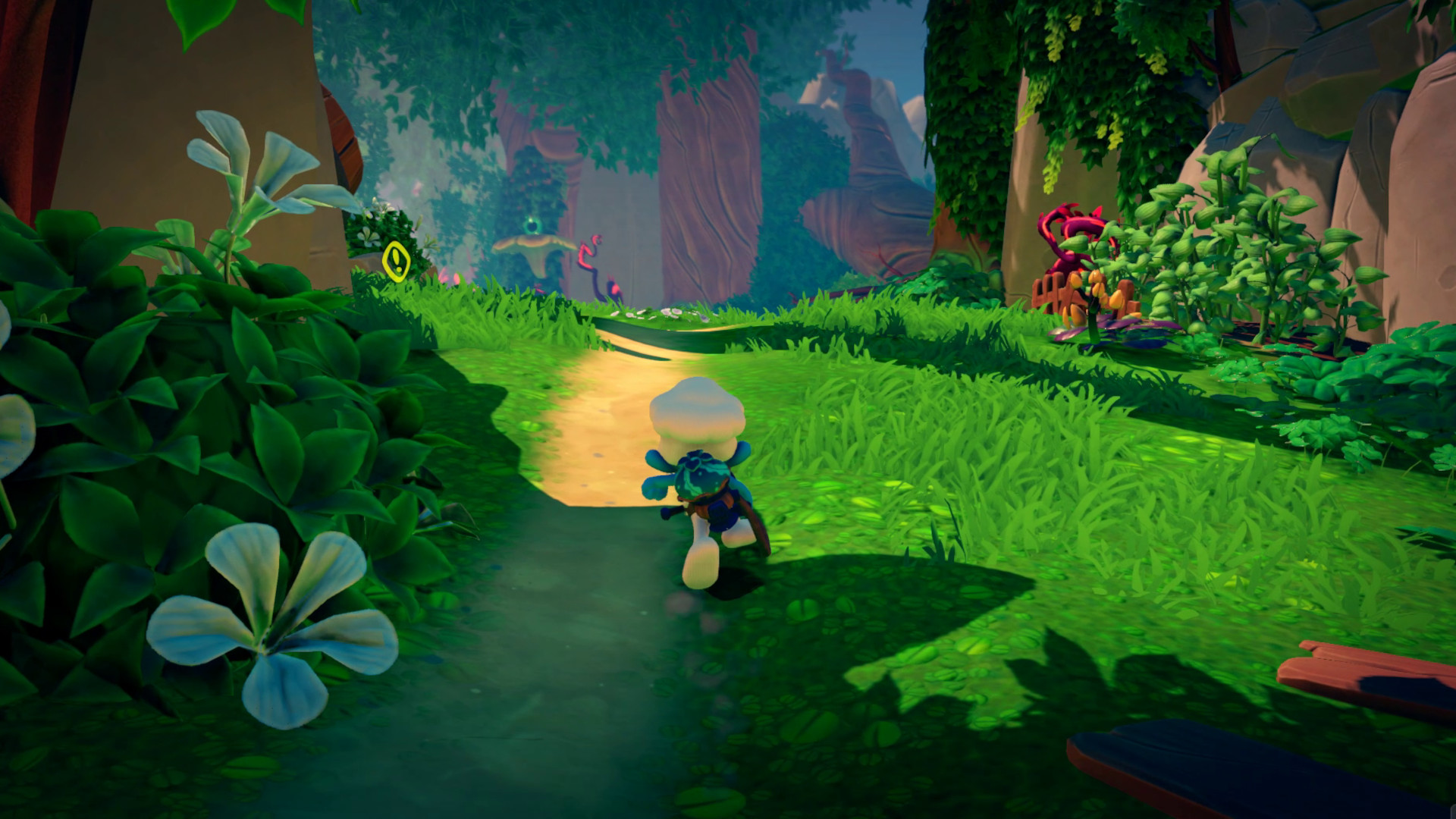
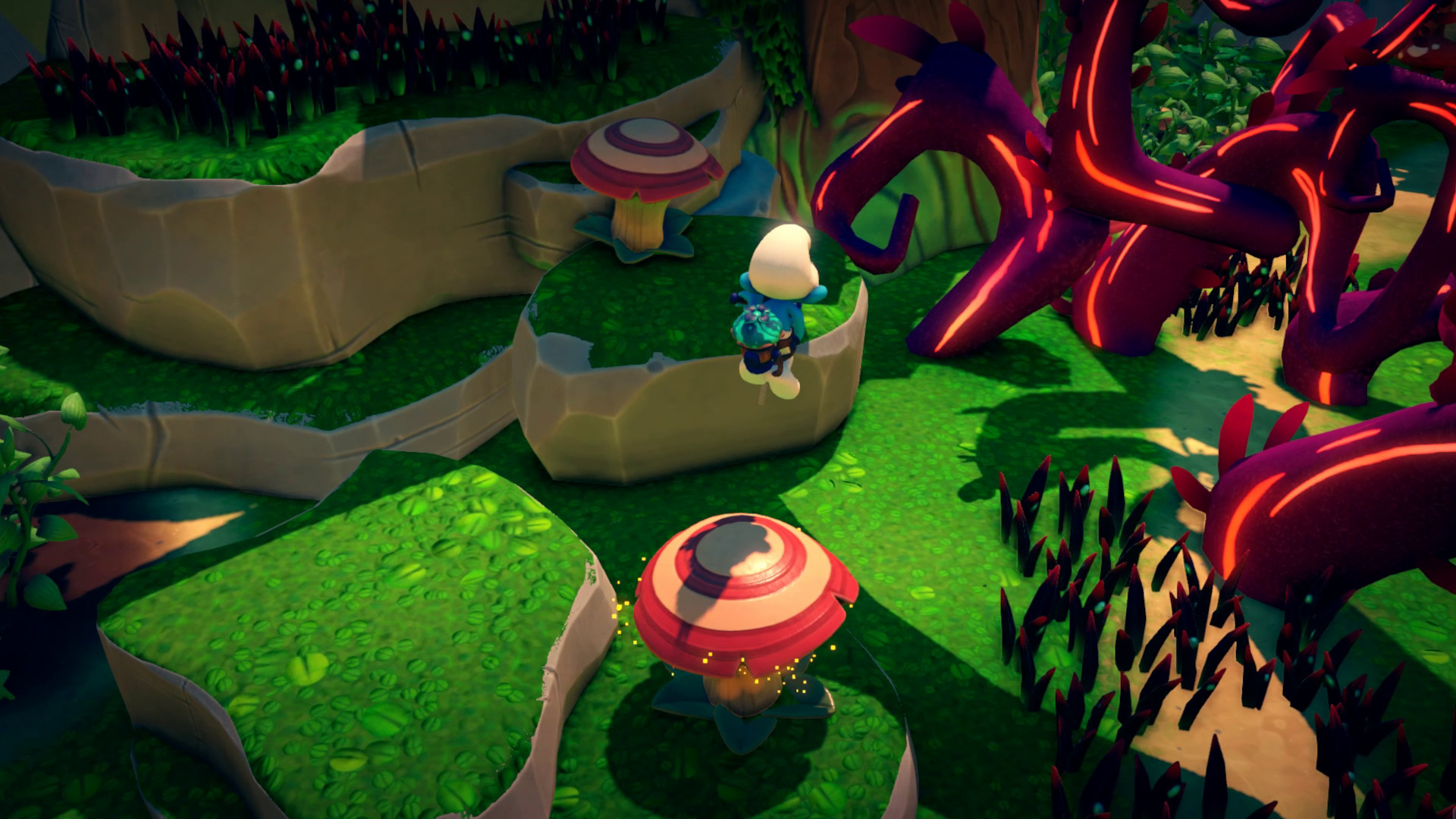

📸 A termék oldalán található képek némely esetben illusztrációk, ezek a valóságban eltérhetnek.

The Smurfs - Mission Vileaf EU
📝 Termék leírása
Go on an adventure to save your forest!In a dusty grimoire, the wizard Gargamel just put his hands on the formula of an evil plant: the VILEAF. This plant produces “VILETRAP” seeds, which can attract and imprison Smurfs… but these VILETRAP plants are also a great danger for the forest, as they are TOXIC, especially for the sarsaparilla fields!PAPA SMURF decides to ask some of his fellow Smurfs to help him find the ingredients for a super powerful antidote for all the plants sick from the VILEAF.Thanks to the SMURFIZER, an invention from HANDY SMURF, go on an adventure to find the ingredients and free your fellow Smurfs… and save the whole village!
Features Embody 4 iconic Smurfs: the Smurfette, Hefty Smurf, Brainy Smurf and Chef Smurf in 5 different worlds Use the Smurfizer to heal the Vileaf contaminated plants on your way to Gargamel’s hovel The Smurfizer will also make you jump, glide, dive, vacuum… keep a good timing to overcome every obstacle and beat your enemies A subtle mix of platforming and exploration gameplays: find your way through vertical levels and explore them to uncover every secrets Give life back to the Smurfs village by making progress and improve the Smurfizer by finding items spread around the levels A game for every Smurfs fan, young or old, but also for every 3D platforming game fan!
🎮 Steam
Nyisd meg a Steam klienst.
Kattints a bal felső sarokban: „Játék" > „Termék aktiválása a Steamen…"
Kattints a „Tovább", majd „Elfogadom" gombra.
Írd be a kapott Steam kódot (pl. XXXX-YYYY-ZZZZ).
Kattints a „Tovább" gombra a játék aktiválásához.
