

 English
 Deutsch
 Français
📸 A termék oldalán található képek némely esetben illusztrációk, ezek a valóságban eltérhetnek.

Watertime
📝 Termék leírása
Keeping yourself hydrated is important for your physical and mental health. I attributed my recent low mood and lack of energy to the fact that some days I entirely forget to drink any liquids...
so I created this app to remind me to drink water throughout the day. I hope it can help you as well.
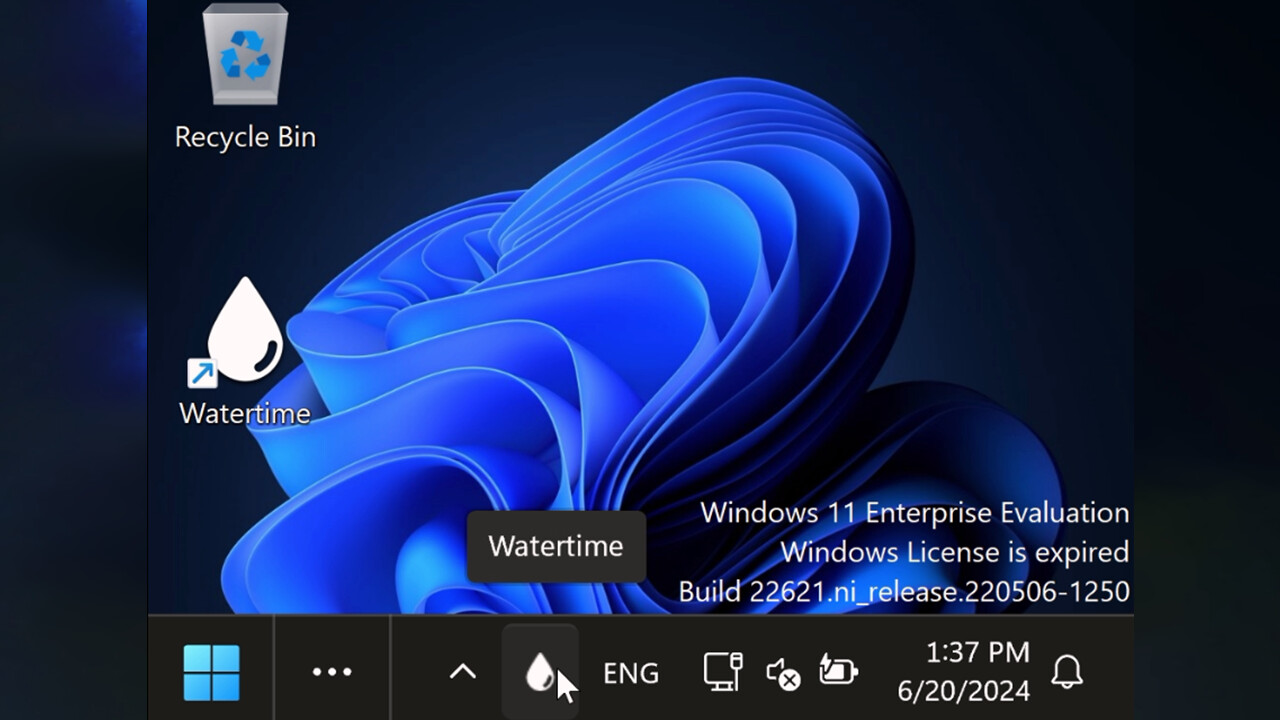
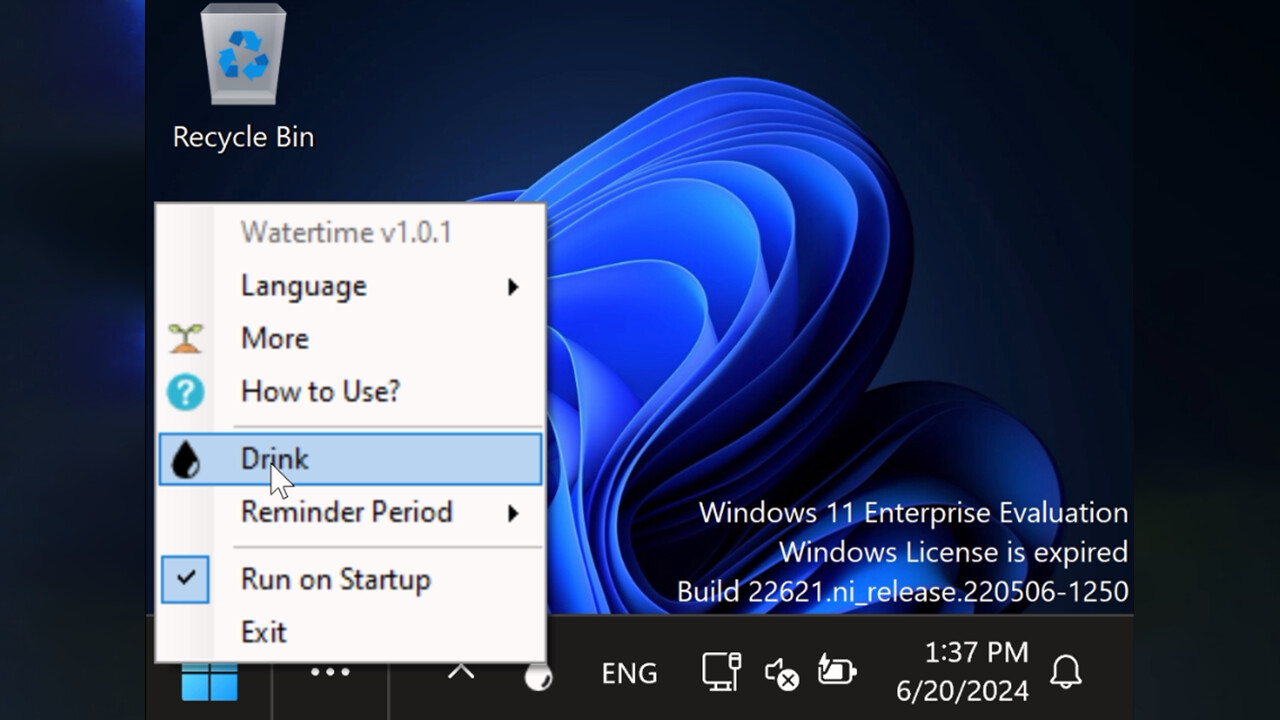
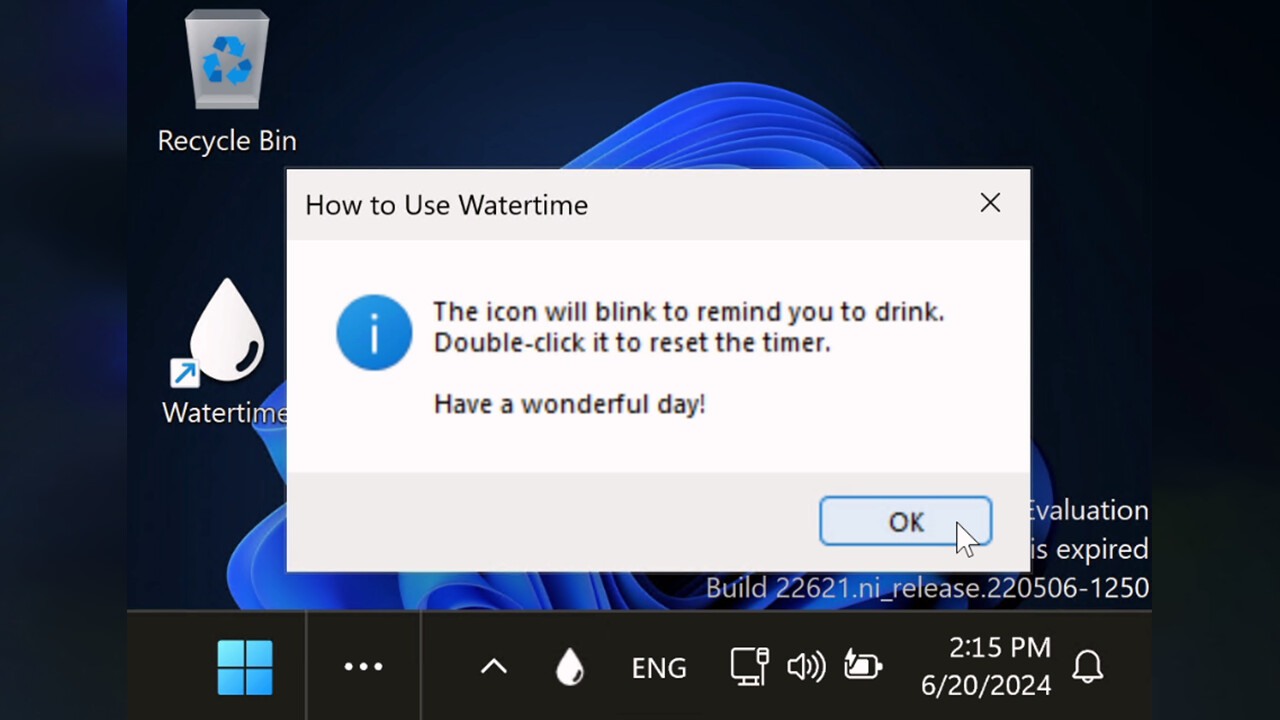
Key Features Sits in the bottom right of your screen Blinks every several hours to remind you to drink Double-click to reset the blink timer Story Time I took a tumble down the stairs. Why?
I was too shy to ask the teacher for a glass of water. I was very thirsty.
I tried to force myself to ask for water, but I couldn't do it. By the end of the class I was seeing green spots in front of my eyes, and as we were leaving the classroom, I just fainted, falling like a sack of potatoes to the bottom of the stairs.
They took me to the nurse who helped me out. Ever since then I've had trouble feeling thirsty, and my only signs are when dehydration symptoms start, such as dry mouth, gut problems, low energy, dry skin, low mood, you name it.
This is why I made Watertime - to remind me to drink. Every two hours it starts to blink to remind me to have a drink.
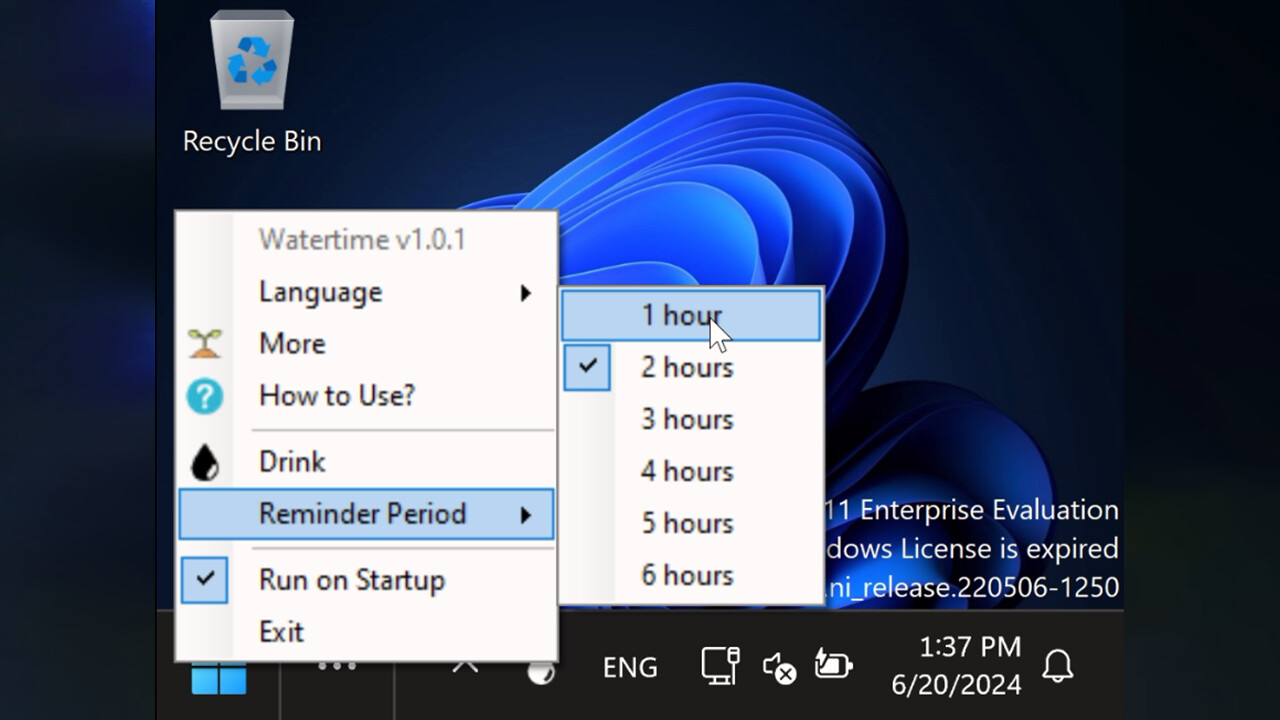
Once I've had some water, I can double-click it to let it know and reset the timer. I also made the timer configurable.
Check it out and let me know what you think. QnA Can you adjust the timer?
Yes, you can. Can it stay running alongside other steam games?
Yes, it does not create any conflicts. Does it need Steam to run?
No, but Steam needs to be open for achievements.
🎮 Steam
Nyisd meg a Steam klienst.
Kattints a bal felső sarokban: „Játék" > „Termék aktiválása a Steamen…"
Kattints a „Tovább", majd „Elfogadom" gombra.
Írd be a kapott Steam kódot (pl. XXXX-YYYY-ZZZZ).
Kattints a „Tovább" gombra a játék aktiválásához.
