

 English
 Deutsch
 Français
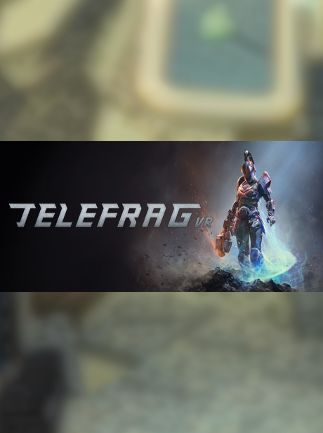
📸 A termék oldalán található képek némely esetben illusztrációk, ezek a valóságban eltérhetnek.

Telefrag VR
📝 Termék leírása
Telefrag VR Steam Key GLOBAL\n\nAbout the Game\n
Telefrag VR is a fast-paced, arena-based shooter designed specifically for virtual reality. Experience intense, competitive gameplay with a focus on precise movement and skillful aiming.
\n\nKey Features\n- \n
- VR Optimized Gameplay: Designed from the ground up for VR, offering immersive and intuitive controls. \n
- Arena-Based Combat: Engage in fast-paced, close-quarters combat in a variety of arenas. \n
- Skill-Based Movement: Master precise movements and quick reflexes to outmaneuver your opponents. \n
- Competitive Multiplayer: Challenge players worldwide in ranked and unranked matches. \n
- Multiple Game Modes: Experience a variety of game modes to suit your preferred playstyle. \n
- Global Steam Key: This key is redeemable on Steam worldwide, regardless of your region. \n
Please note: Specific system requirements may vary.
Check the Steam store page for the most up-to-date information before purchasing.
\n\nWhat\'s Included\n- \n
- One (1) Telefrag VR Steam Key for global activation. \n
- \n
- This product is a digital key and will be delivered electronically. \n
- No physical product will be shipped. \n
- Requires a Steam account to activate and play. \n
- Requires a VR headset compatible with SteamVR. \n
We are not responsible for any issues related to Steam\'s services or the game\'s functionality. Contact Steam support directly for technical assistance.
\n\n🎮 Steam
Nyisd meg a Steam klienst.
Kattints a bal felső sarokban: „Játék" > „Termék aktiválása a Steamen…"
Kattints a „Tovább", majd „Elfogadom" gombra.
Írd be a kapott Steam kódot (pl. XXXX-YYYY-ZZZZ).
Kattints a „Tovább" gombra a játék aktiválásához.
