

 English
 Deutsch
 Français
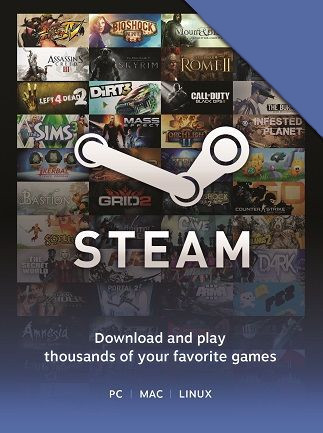
📸 A termék oldalán található képek némely esetben illusztrációk, ezek a valóságban eltérhetnek.

Steam 3€ elektronikus licensz
📝 Termék leírása
Steam Gift Card - 3 EUR (Europe)\n\nInstant Delivery: Your Key Awaits\n
Purchase this 3 EUR Steam Gift Card for instant delivery. Receive your unique Steam key immediately after purchase, allowing you to instantly add funds to your Steam Wallet.
\n\nRegion Restriction: Europe Only\nImportant: This Steam Gift Card is valid only for accounts registered in Europe.
Please ensure your Steam account is registered to a European region before purchasing. Attempting to redeem in a different region will result in failure.
\n\nSimple Redemption:\nRedeeming your Steam Gift Card is easy:
\n- \n
- Log in to your Steam account. \n
- Click on your username in the top-right corner. \n
- Select \"Account Details\". \n
- Click \"Add Funds to your Steam Wallet\". \n
- Enter your Steam Gift Card code and follow the on-screen instructions. \n
- \n
- One (1) 3 EUR Steam Gift Card code. \n
- Instant delivery via email. \n
Use your added funds to purchase games, DLCs, software, and other items available on the Steam Store.
\n\nNo Refunds:\nPlease note: Steam Gift Cards are non-refundable.
Ensure you are comfortable with the purchase before proceeding.
\n\nDisclaimer:\nThis product is a digital code and does not include any physical items. We are not affiliated with Valve Corporation (Steam).
\n\n🎮 Steam
Nyisd meg a Steam klienst.
Kattints a bal felső sarokban: „Játék" > „Termék aktiválása a Steamen…"
Kattints a „Tovább", majd „Elfogadom" gombra.
Írd be a kapott Steam kódot (pl. XXXX-YYYY-ZZZZ).
Kattints a „Tovább" gombra a játék aktiválásához.
