A képek némely esetben illusztrációk, a valóságban eltérhetnek.
Gyors információk
Termék leírása
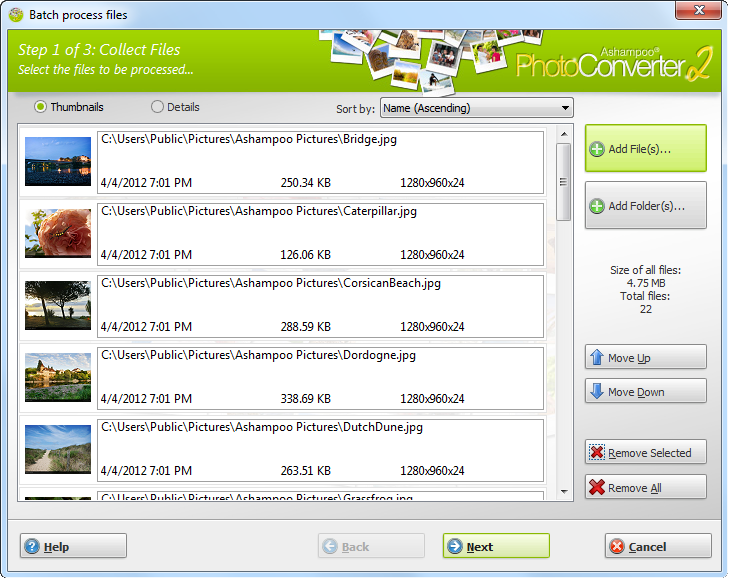
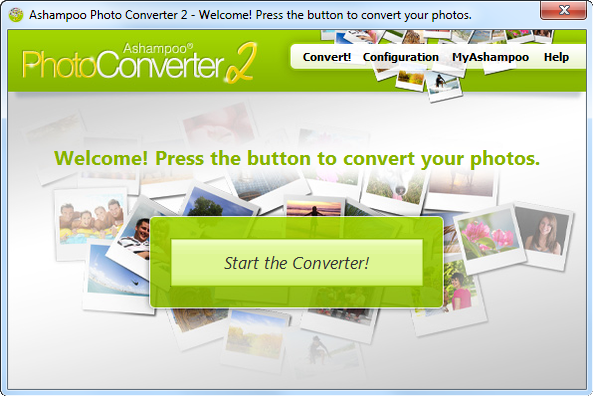
What is Ashampoo Photo Converter 2? Ashampoo Photo Converter 2 is our Swiss army knife to process your photos.
No more manual sifting through heaps of photos, Ashampoo Photo Converter 2 processes entire collections in one go, whether it be 1 or 1000 files. Why Ashampoo Photo Converter 2?
... lightweight!
Ashampoo Photo Converter 2 requires very little system resources which makes it ideal for both current (multi-core support) and older machines. … fast!
Get results quickly. With Ashampoo Photo Converter's no-frills user interface, you will see results in a matter of seconds.
… versatile! Convert, align, resize or apply sophisticated color manipulations ...
There is no need for expensive image editors because Ashampoo Photo Converter 2 covers all these common image tasks with ease. New in Ashampoo Photo Converter 2 Ashampoo Photo Converter 2 our most comprehensive image converter ever!
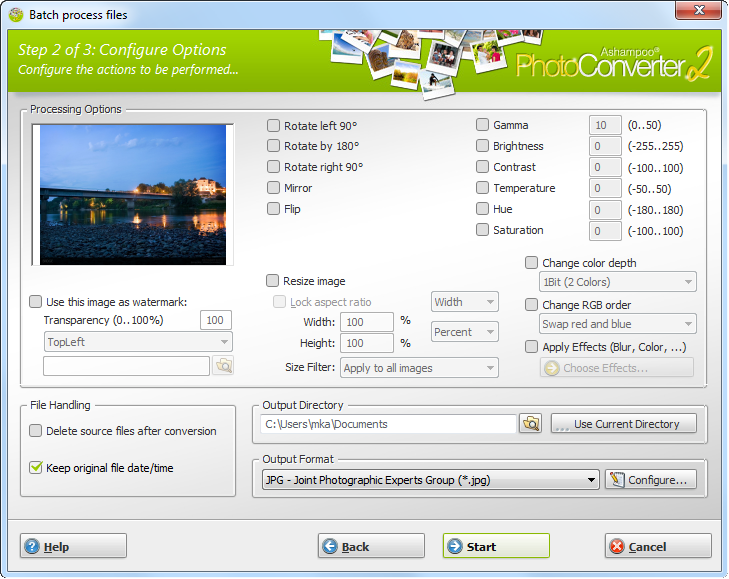
Our developers were able to greatly enhance the feature set while keeping the user interface well-structured. User Interface No more trial and error.
Ashampoo Photo Converter 2 features a live preview, enabling you to freely experiment with the multitude of available features. Optimization Spare yourself the hassle of finetuning colors and contrasts and let Ashampoo Photo Converter 2 auto-determine the best settings for each of your images.
And with "Clean Skin", compression artefacts are a thing of the past. Enhanced Color Manipulation Ashampoo Photo Converter 2 gives you access to more sophisticated color parameters such as color temperature, hue and saturation.
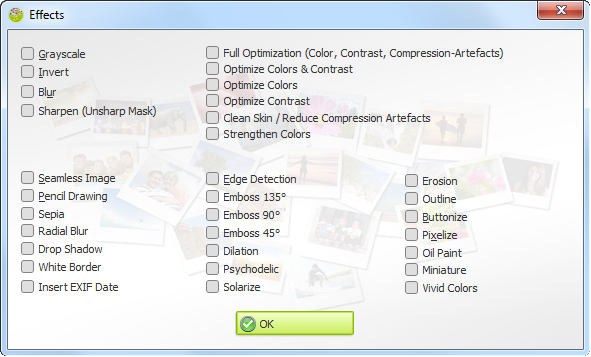
Artistic Effects Let your imagination run wild with a myriad of artistic effects including Prencil Drawing, Sepia and Oil Painting. The built-in preview provides immediate feedback so feel free to explore.
Auto-Insert EXIF Date Modern digital cameras store additional information such as the time an image was taken with each image file. Ashampoo Photo Converter 2 can auto-insert the creation dates into your images to help you keep track of your photos.
Általános használati útmutató
A termék aktiválásához kövesd az adott platform hivatalos útmutatását:
- 🎮 Steam
- 🎮 Origin / EA app (új néven: EA app)
- 🎮 Epic Games
- 🎮 Ubisoft Connect (régi nevén Uplay)
- 🎮 GOG (Good Old Games)
- 🎮 Battle.net (Blizzard)
- 🎮 Rockstar Games Launcher
- 🎮 Microsoft Store / Xbox
- 🎮 PlayStation Store
- 🎮 Nintendo eShop
Megjegyzés: A termék aktiválása után azonnal elérhető lesz a fiókodban.
Vásárlói vélemények
Ehhez a termékhez még nincs egyedi értékelés.
Összes Keybyte értékelés megtekintése →