
📸 A termék oldalán található képek némely esetben illusztrációk, ezek a valóságban eltérhetnek.

Birdcakes
📝 Termék leírása
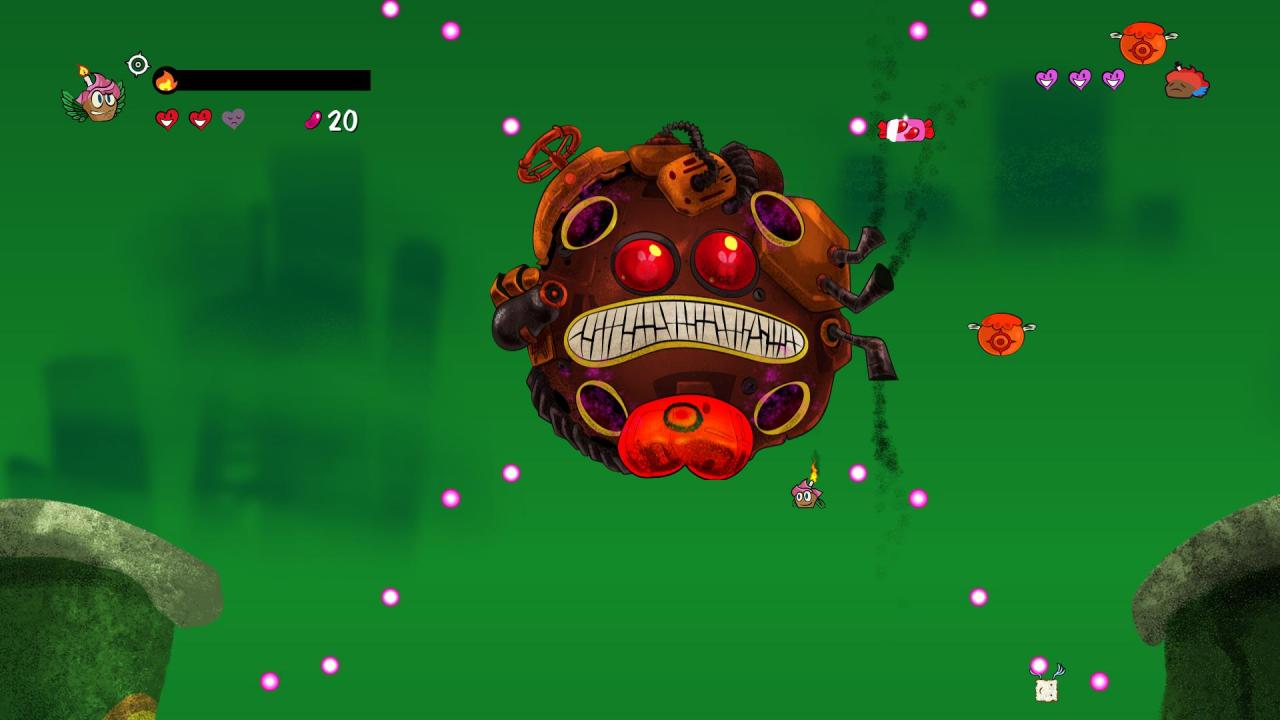
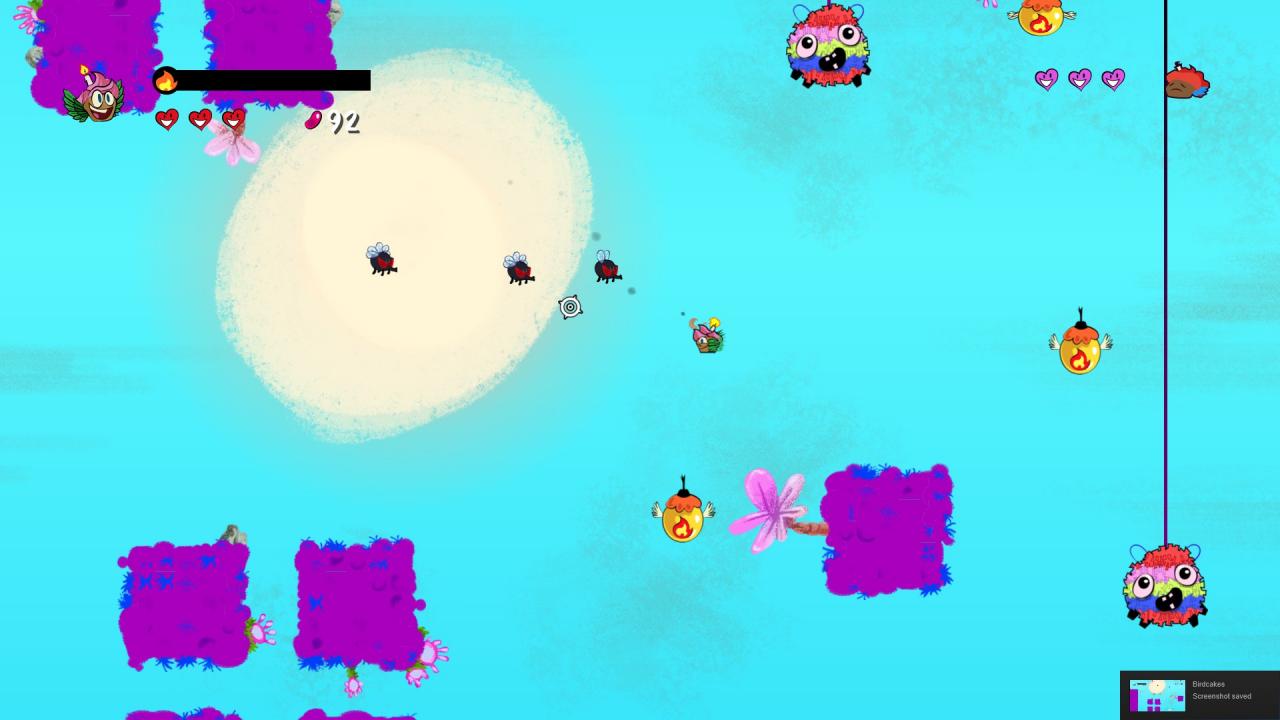
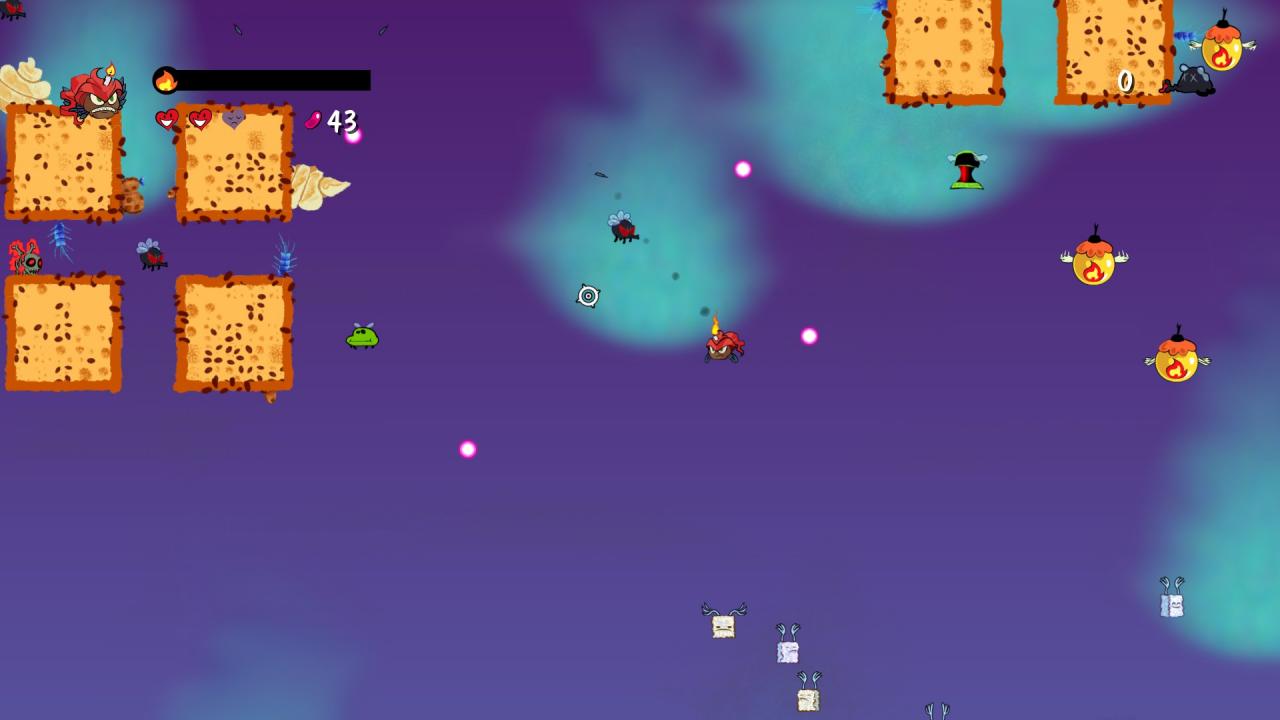
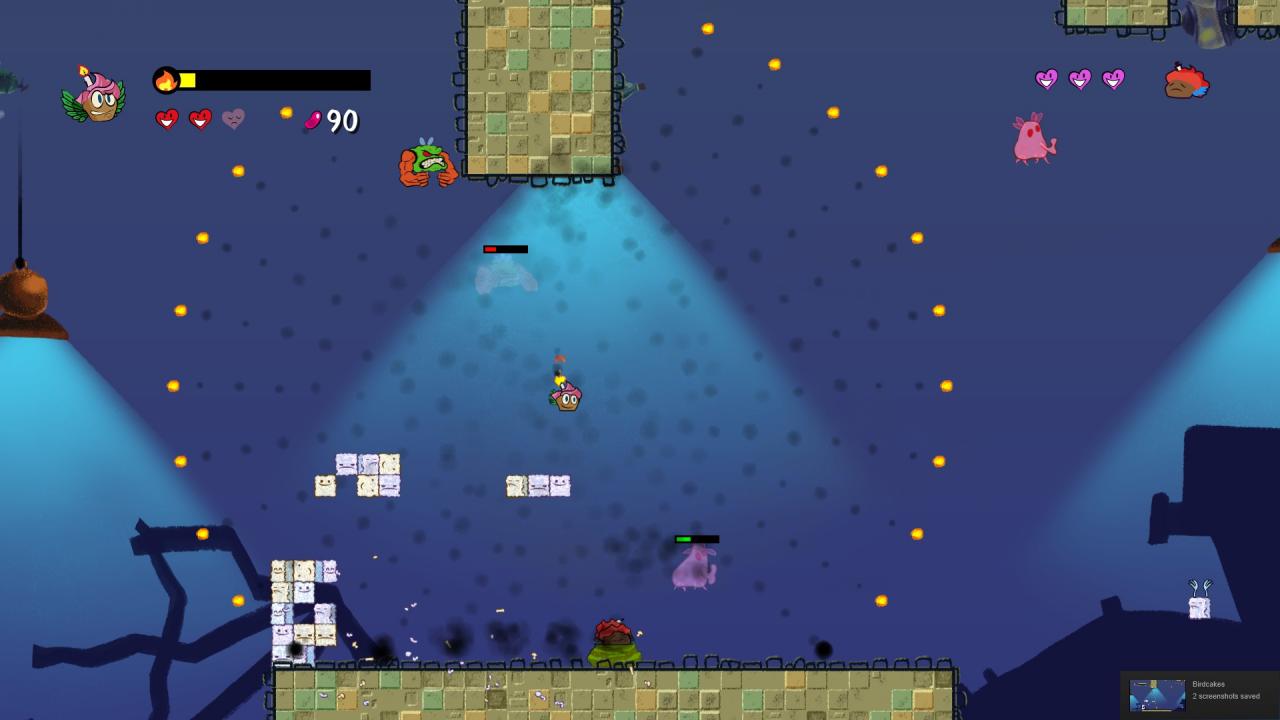
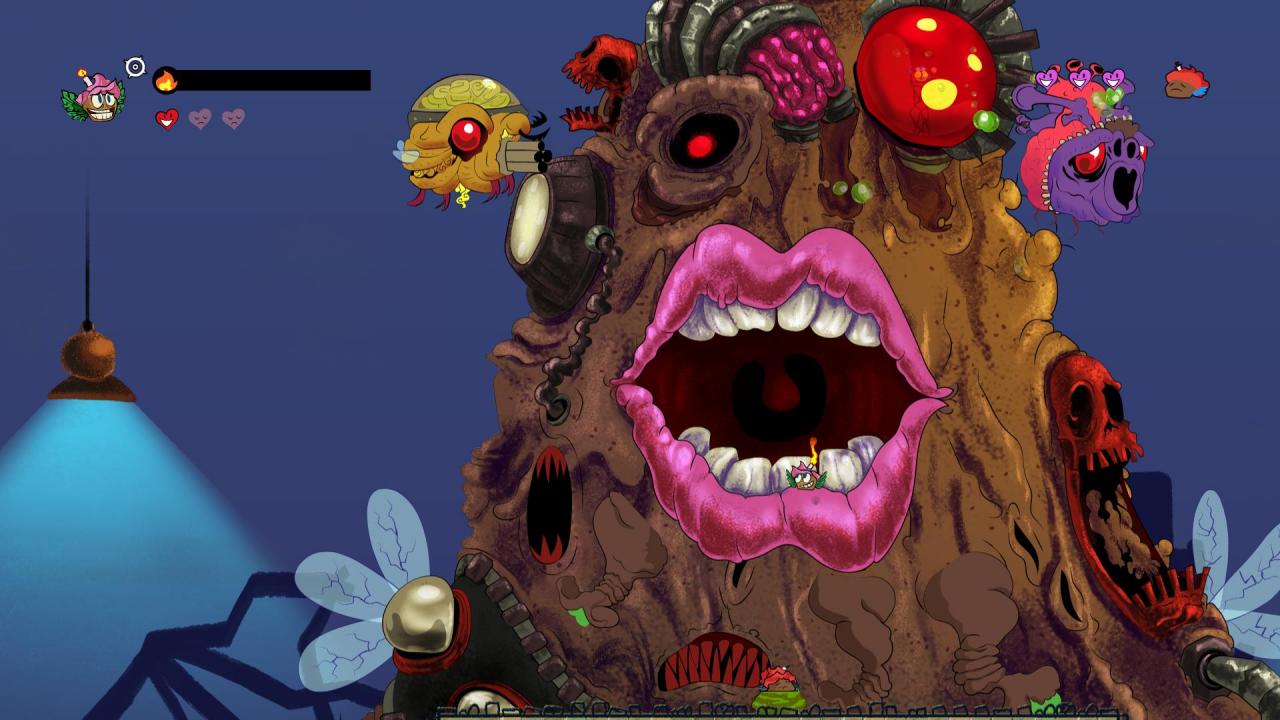
Birds + cupcakes = Birdcakes!!!Step into a world of state-of-the-art cupcake-and-bird weaponry! After a picnic went horribly wrong, Pancake the Cupcake desperately tries to fend off hungry flies away from his girlfriend Cherry!
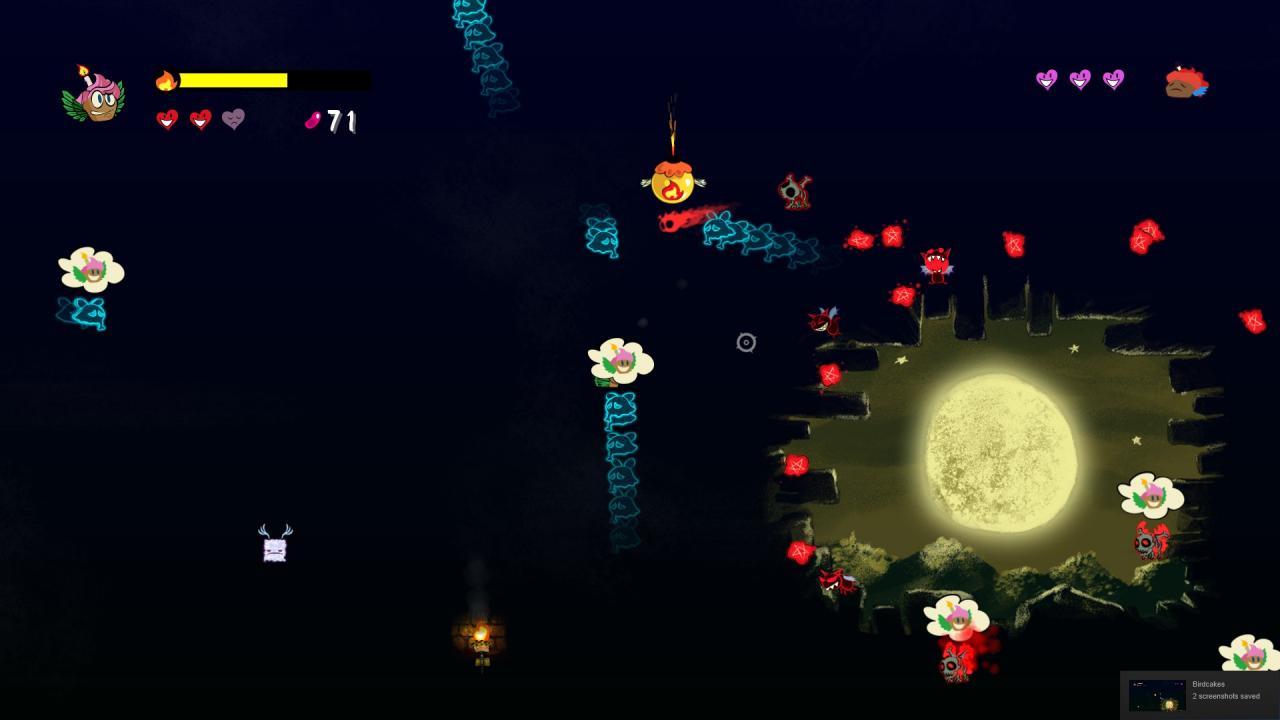
Featuring colorful 2D art; tight shooting controls; and fluid aerial movement mechanics; you’ll be set for a wacky, zero-calorie romp through the kitchen and beyond. Fly through 6 fly-infested worlds and destroy them with Pancake’s powerful candy bullets.
This will be no walk in the park however! Die once, and it’s all the way back to the beginning; so make sure to buy power-ups from the bakery store and get ready to save the (cupcake) world!
Features Single Player game. Featuring 2 playing modes: Story & Infinite.
No saving! You can keep the powerups though.
Fast-paced levels with tight flight controls. Compete in online leaderboards for the highest scores.
🎮 Steam
Nyisd meg a Steam klienst.
Kattints a bal felső sarokban: „Játék" > „Termék aktiválása a Steamen…"
Kattints a „Tovább", majd „Elfogadom" gombra.
Írd be a kapott Steam kódot (pl. XXXX-YYYY-ZZZZ).
Kattints a „Tovább" gombra a játék aktiválásához.
