
📸 A termék oldalán található képek némely esetben illusztrációk, ezek a valóságban eltérhetnek.

Beatcrash
📝 Termék leírása
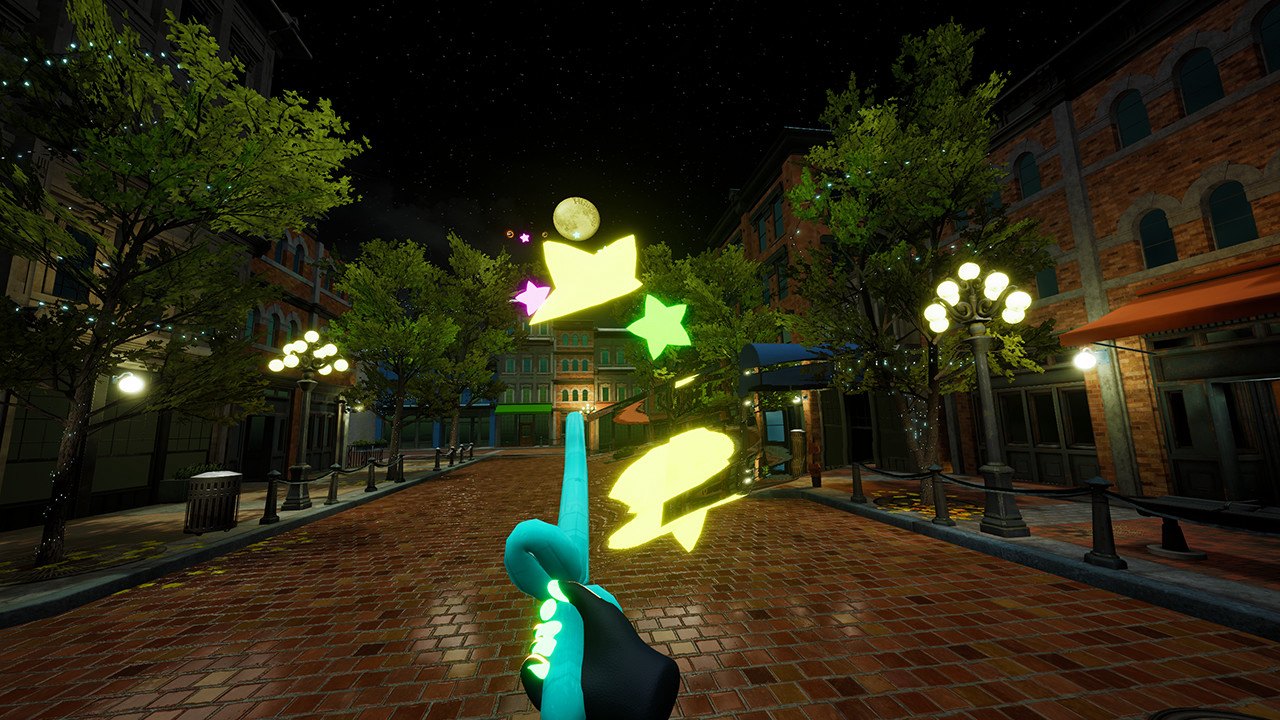
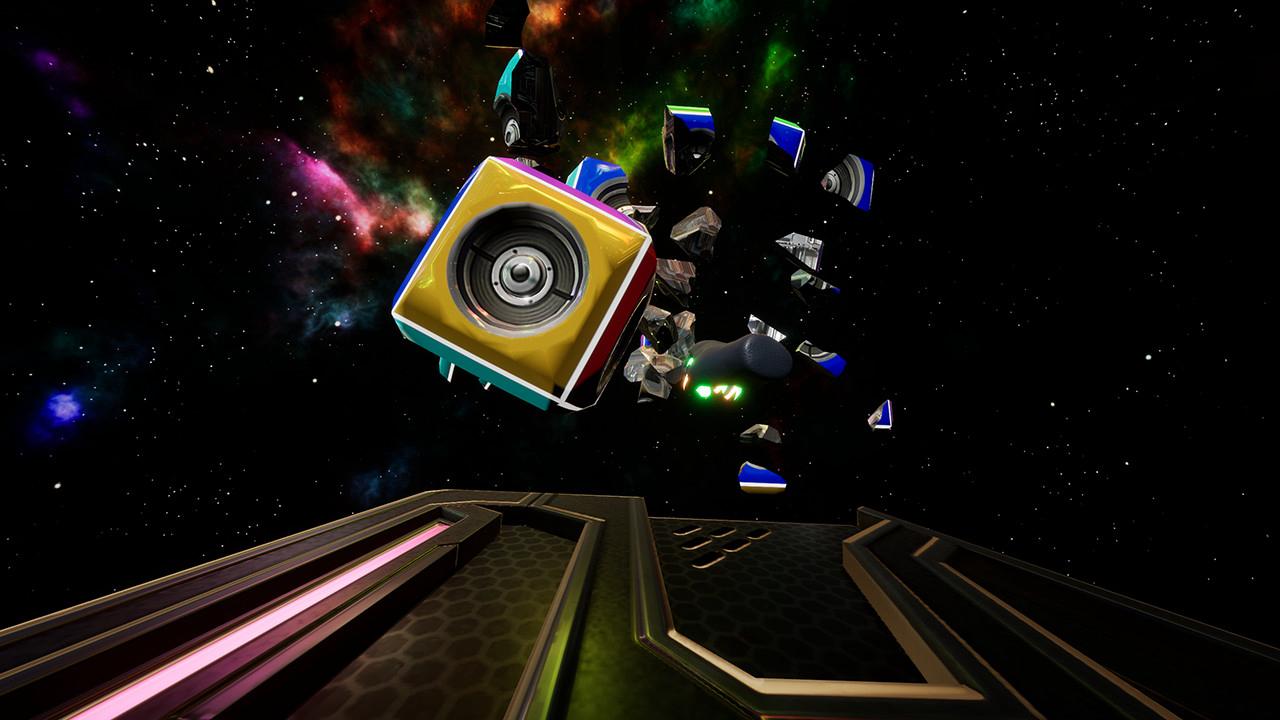
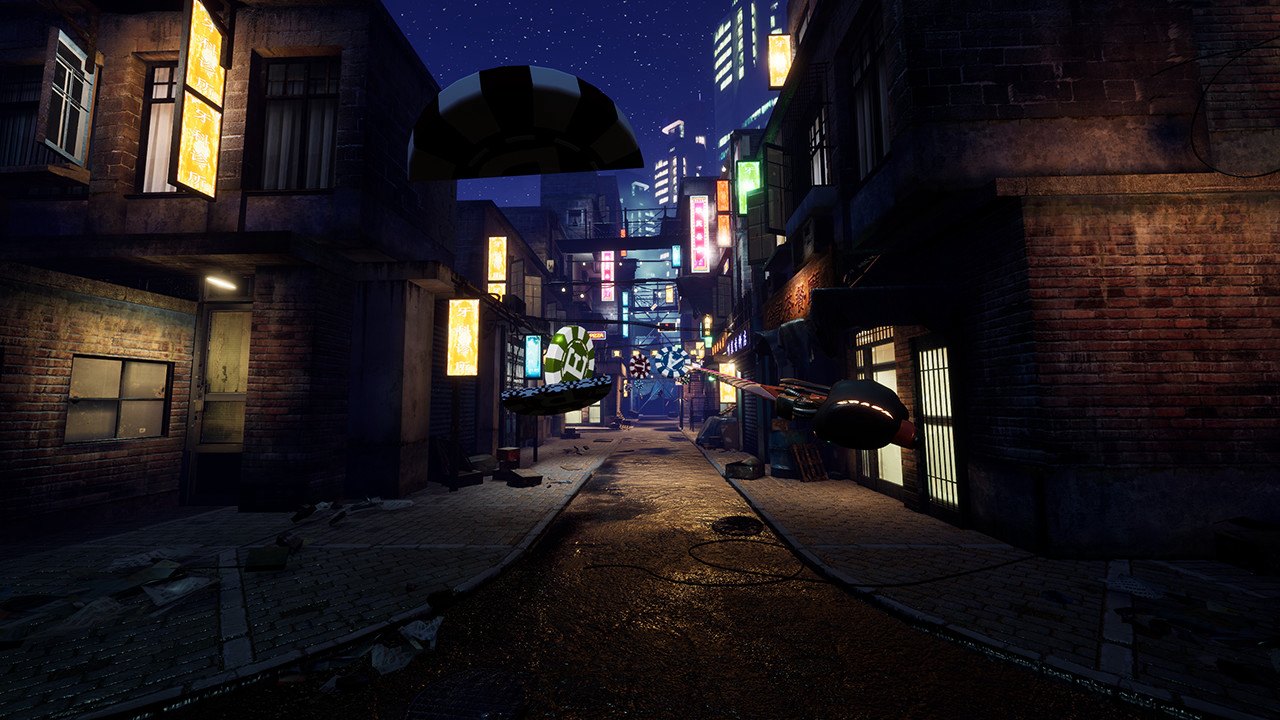
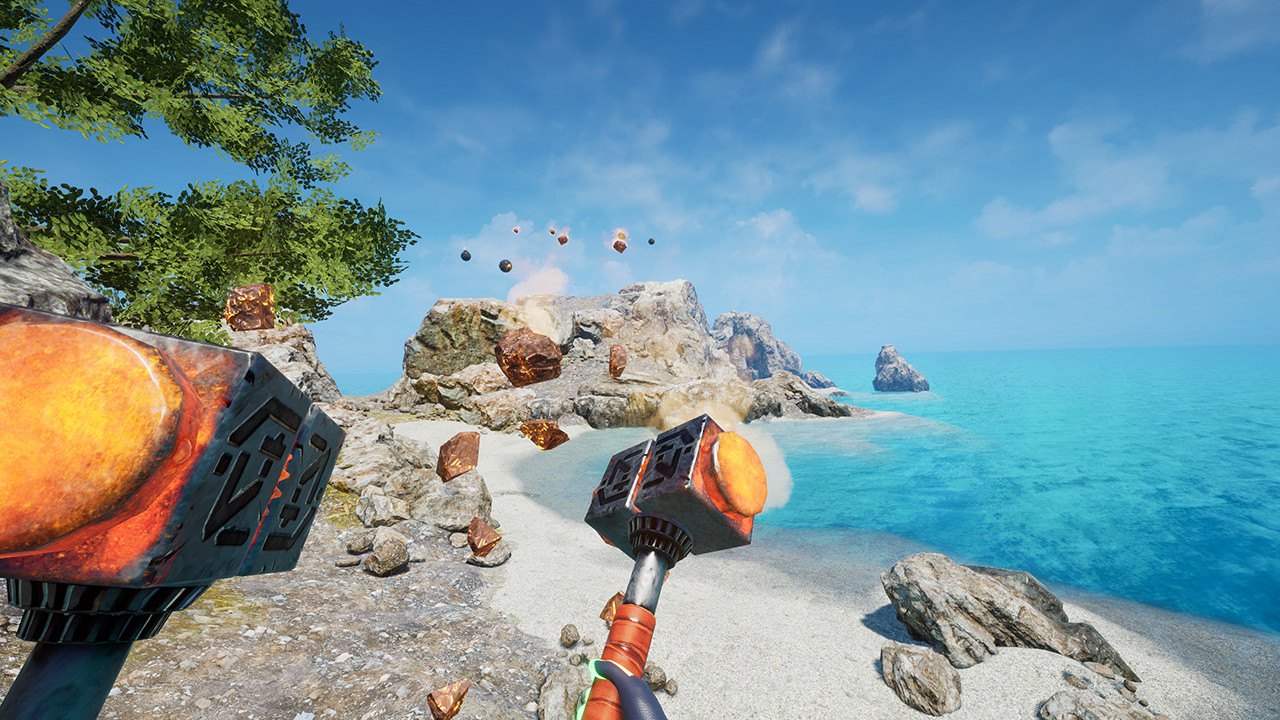
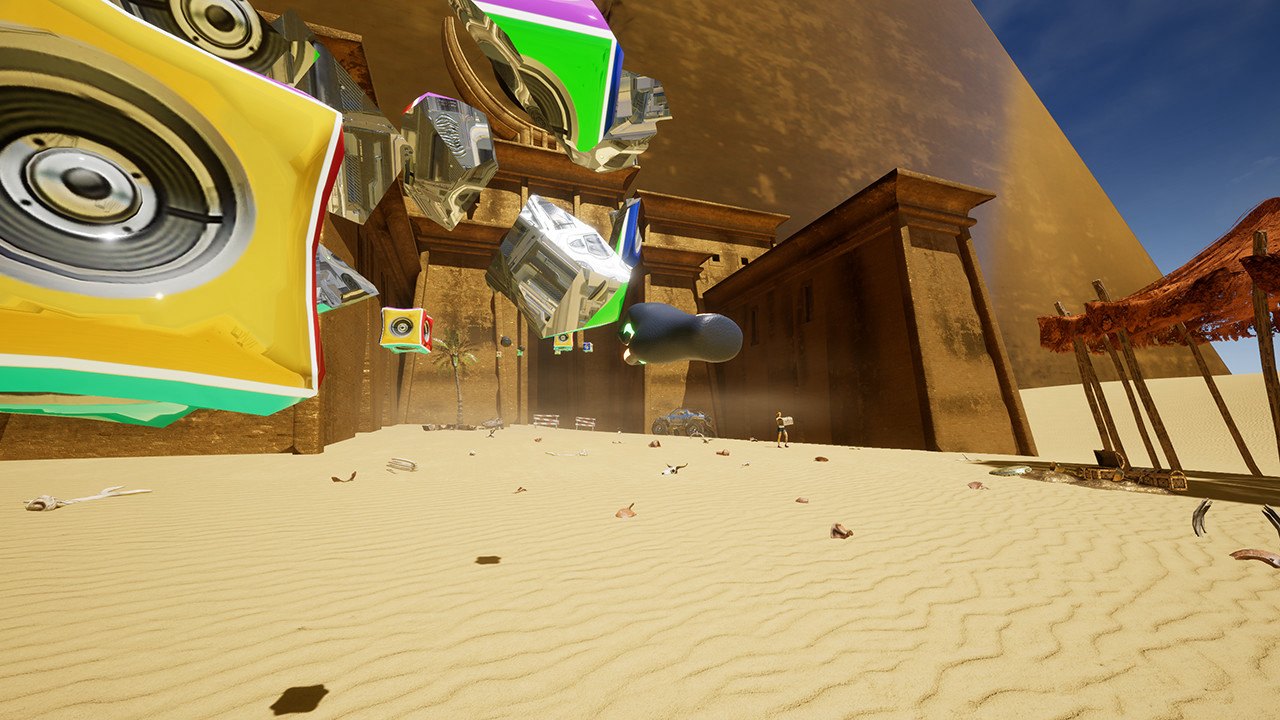
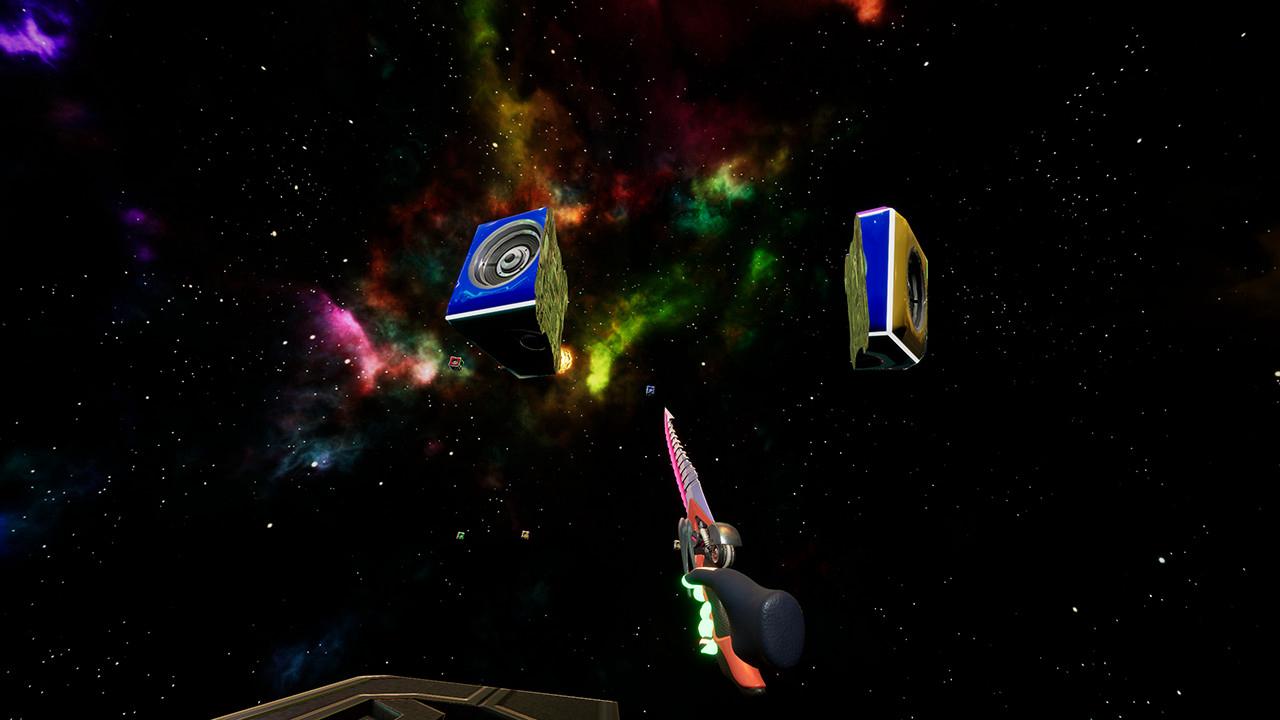
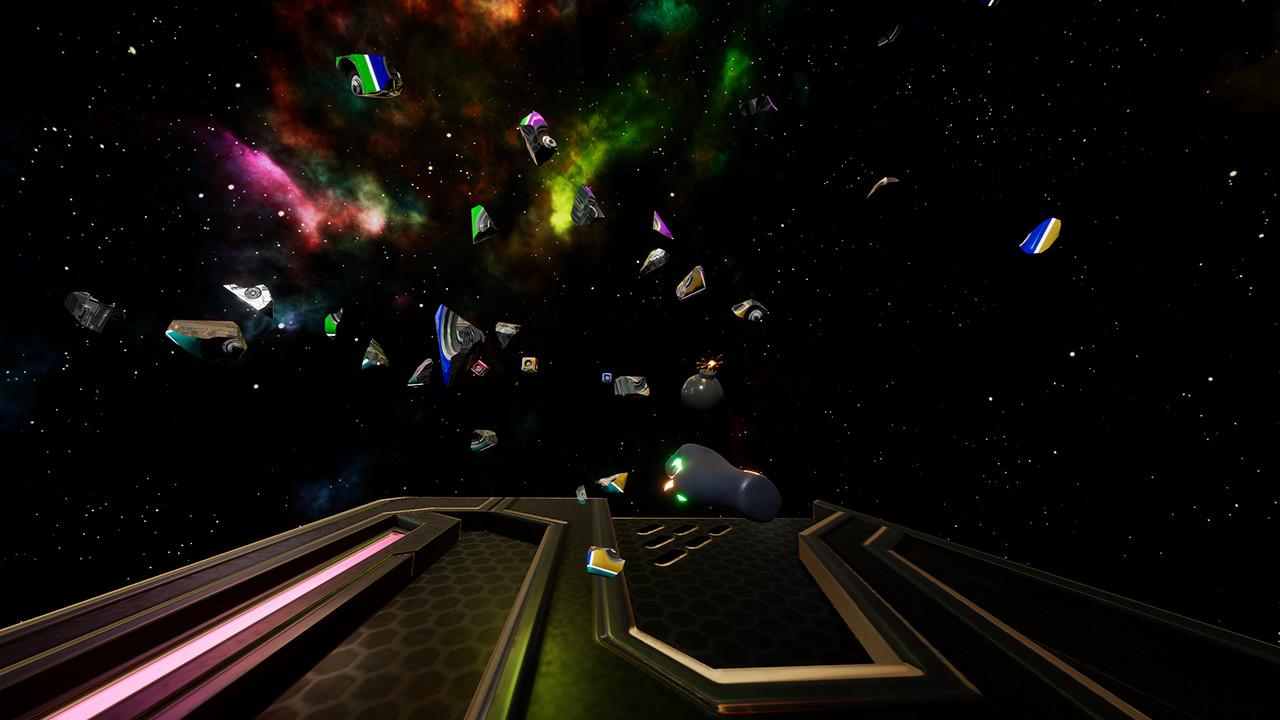
Beatcrash is a game that defeats a flying object according to the beat of music. You definitely get a workout with this game.
You can catch flying weapons and a bomb. This game uses your MP3 audio files.
The touch area can be set and currently 3 modes are available (Room Scale, Standing Mode, Sit Mode) Supports English, Chinese, Japanese, and Korean. You can also directly edit the language file in the language folder.
Vive controller You can catch weapons and bomb by the trigger Button. if you catch a weapon, the trigger button will be fixed.
When you want to throw away the weapon, pull and release the trigger button again. Bomb The bomb goes off right away when it hits your hand so you need to think about the speed at which the bomb is coming.
I recommend you to pull your hand back and hold it or you can catch the bomb from the side. Spectator Mode Ctrl + Numpad 1 (enable) Ctrl + Numpad 0 (disable) Show Frame Ctrl + F
🎮 Steam
Nyisd meg a Steam klienst.
Kattints a bal felső sarokban: „Játék" > „Termék aktiválása a Steamen…"
Kattints a „Tovább", majd „Elfogadom" gombra.
Írd be a kapott Steam kódot (pl. XXXX-YYYY-ZZZZ).
Kattints a „Tovább" gombra a játék aktiválásához.
