

📸 A termék oldalán található képek némely esetben illusztrációk, ezek a valóságban eltérhetnek.

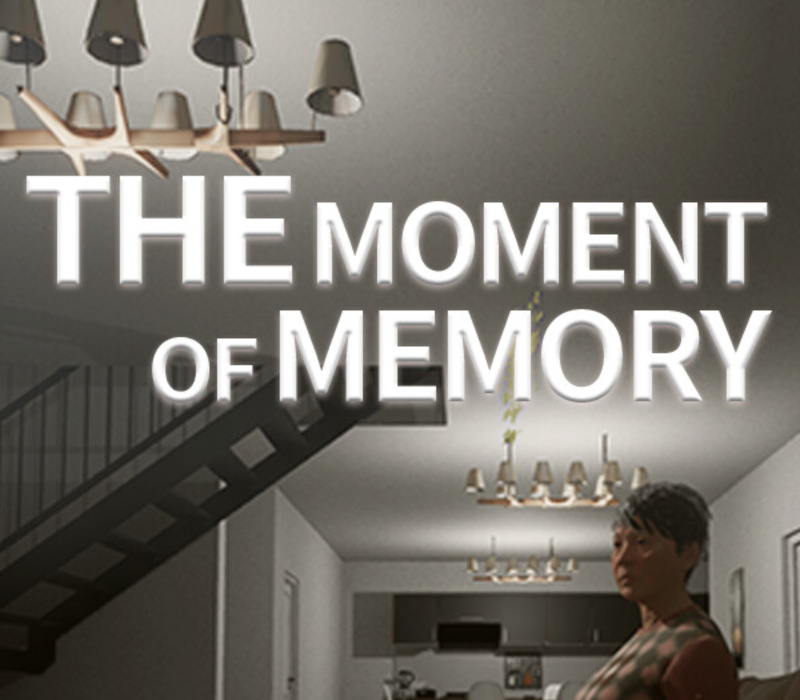
瞬忆 The Moment of Memory
📝 Termék leírása
During Chinese New Year, the protagonist celebrated in a seaside villa, and he shared a unique story with every person present. Returning to the villa after the holidays, memories flooded back, but some details had slipped his mind.
You will play as the protagonist, searching for these lost memory fragments, uncovering stories within stories. The Moment of Memory is a narrative puzzle game.
Its meticulously designed puzzles are seamlessly integrated with the storyline, providing players with a stimulating intellectual challenge while also allowing them to deeply empathize with the protagonist's emotions and uncover the truth behind the story.
🎮 Steam
Nyisd meg a Steam klienst.
Kattints a bal felső sarokban: „Játék" > „Termék aktiválása a Steamen…"
Kattints a „Tovább", majd „Elfogadom" gombra.
Írd be a kapott Steam kódot (pl. XXXX-YYYY-ZZZZ).
Kattints a „Tovább" gombra a játék aktiválásához.
Korábban megnézted
Ezeket a termékeket nézted meg korábban