
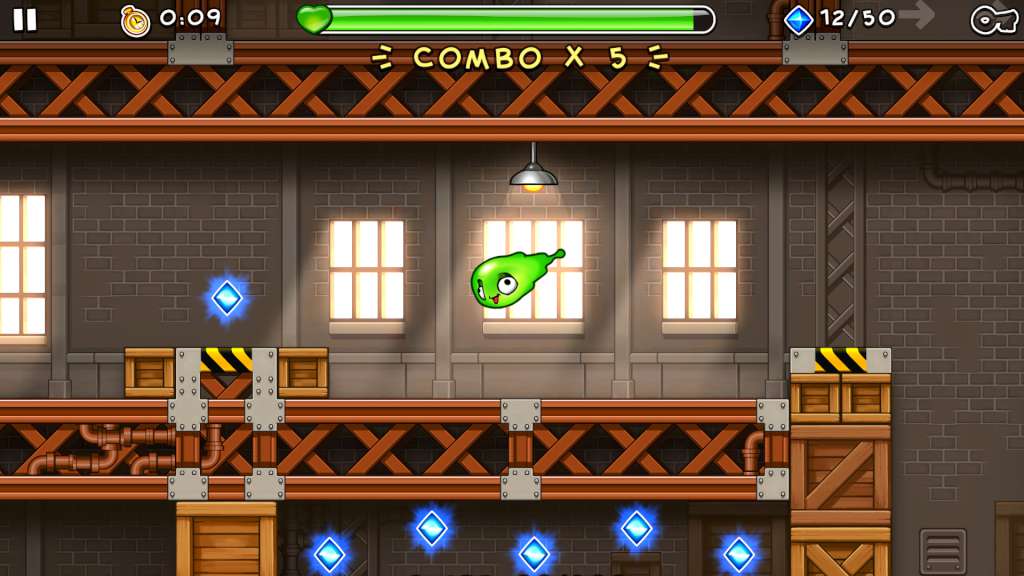


📸 A termék oldalán található képek némely esetben illusztrációk, ezek a valóságban eltérhetnek.

Spunk and Moxie
📝 Termék leírása
In a secret lab, an evil scientist worked for years to create the ultimate formula that would give him incredible powers. It didn't work out, so the project was abandoned and the formula was left to sit alone in an empty warehouse for years, slowly mutating until it came to life and became Spunk and Moxie!
Help Spunk and Moxie escape in this classic-style platformer with a fresh new twist; one-button input gives the player full control over sliding, jumping, and bouncing through 30 unique levels across 3 industrial themes: The Warehouse, Factory, and Laboratory. Classic puzzle-platforming meets modern one-button inputEach of the 30 unique levels contain various challenges for completionistsDiscover power-ups that let you smash, dash, and fly through obstaclesFind hidden keys to unlock playable cameo characters from other indie games including Super Meat Boy, Spelunky, and VVVVVVRace the ghosts of other players and compete for the top score in online leaderboards
🎮 Steam
Nyisd meg a Steam klienst.
Kattints a bal felső sarokban: „Játék" > „Termék aktiválása a Steamen…"
Kattints a „Tovább", majd „Elfogadom" gombra.
Írd be a kapott Steam kódot (pl. XXXX-YYYY-ZZZZ).
Kattints a „Tovább" gombra a játék aktiválásához.
