
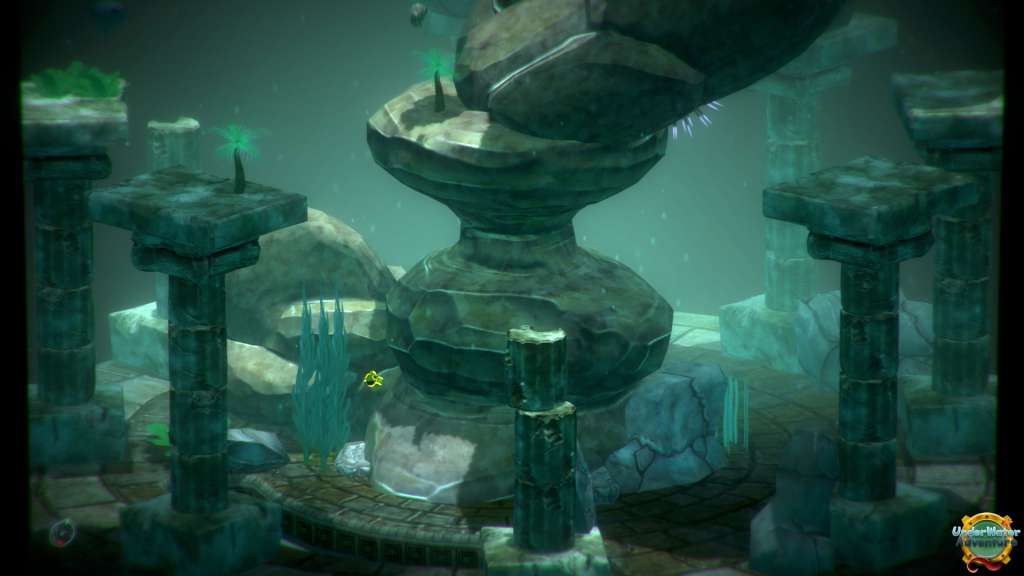
📸 A termék oldalán található képek némely esetben illusztrációk, ezek a valóságban eltérhetnek.

UnderWater Adventure
📝 Termék leírása
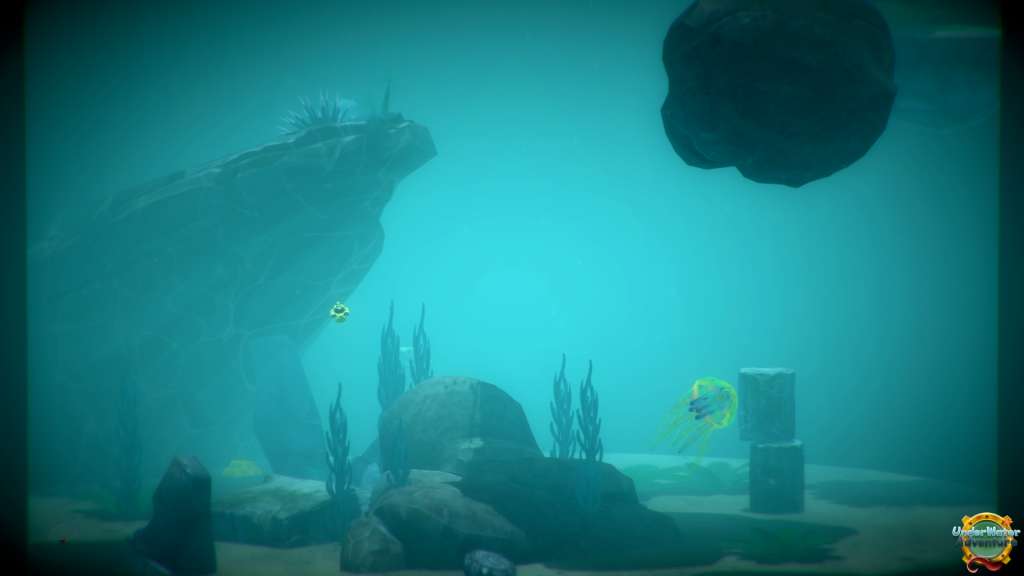
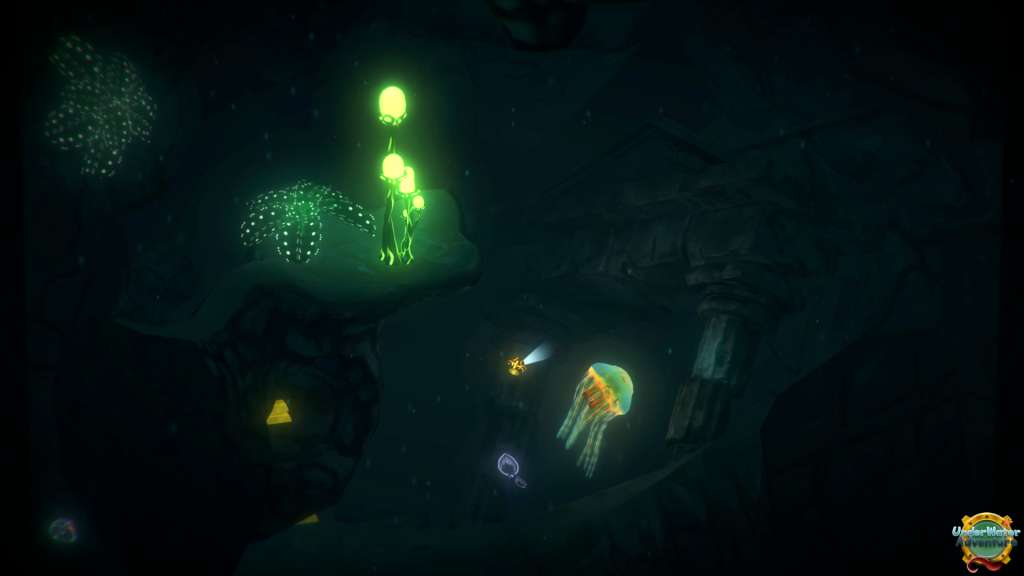
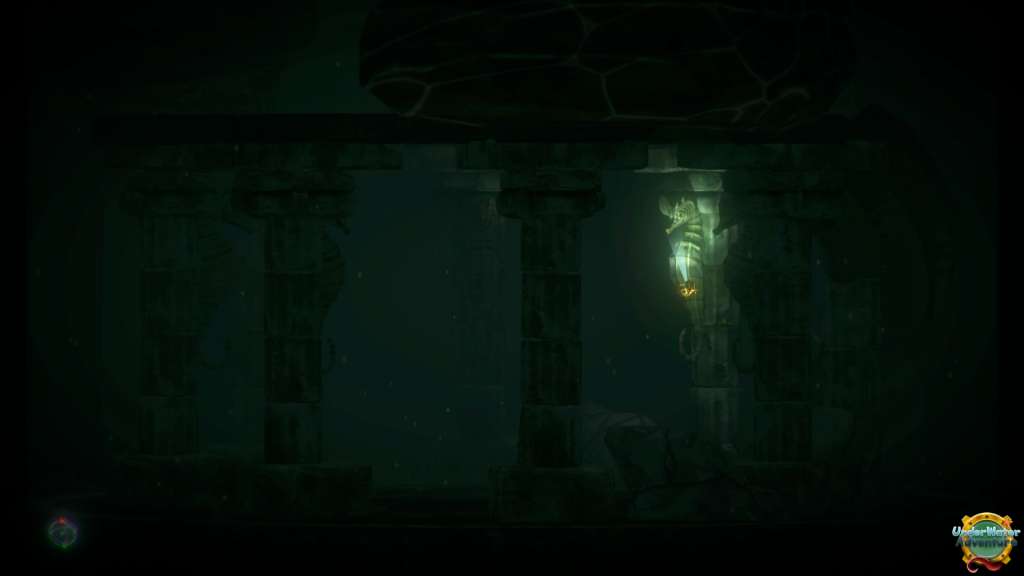
UnderWater Adventure Steam CD Key Platform: Steam Release Date: 1 Jun, 2016 Product Description Take a deep breath and dive to live an epic journey through the depths! UnderWater Adventure is a 3d action game, with a little part of puzzle.
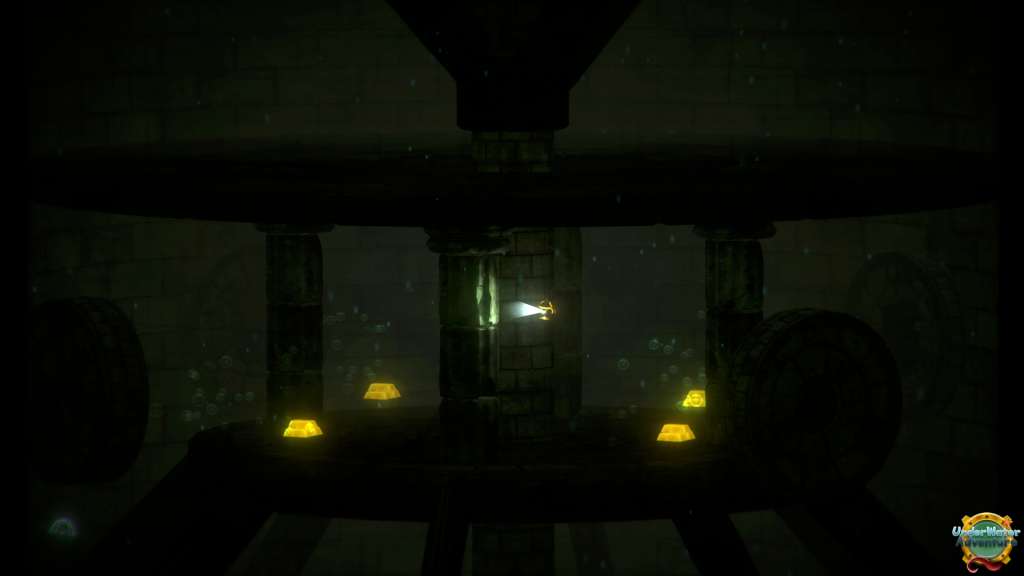
Take your little sub, collect the gold ingot and go back to the surface. But watch out from all the dangers of the abyss...
Features Use your grapping hook to help you in your journey. Active mine and use barrels with their own properties to make your way.
Resolve puzzle and mechanisms Score bonus for speed Difficulty rises gradually. Replayable levels (when game finish) System Requirements OS: Windows 7 / 8 / 10 Processor: i5 2.4GHz Memory: 4 GB RAM Graphics: GeForce gtx 635 DirectX: Version 9.0 Storage: 400 MB available space Additional Notes: ** CONTROLLER HIGHLY RECOMMENDED **
🎮 Steam
Nyisd meg a Steam klienst.
Kattints a bal felső sarokban: „Játék" > „Termék aktiválása a Steamen…"
Kattints a „Tovább", majd „Elfogadom" gombra.
Írd be a kapott Steam kódot (pl. XXXX-YYYY-ZZZZ).
Kattints a „Tovább" gombra a játék aktiválásához.
