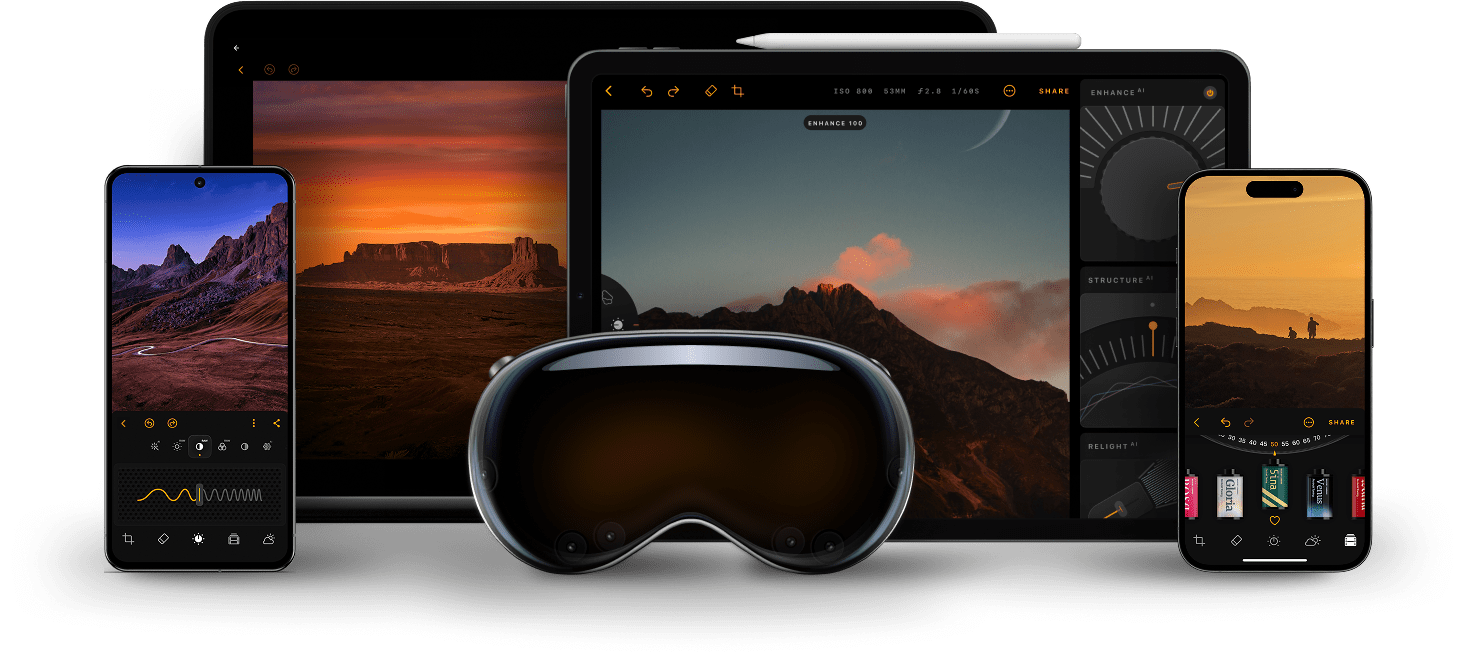
📸 A termék oldalán található képek némely esetben illusztrációk, ezek a valóságban eltérhetnek.

Luminar Mobile
📝 Termék leírása
Luminar Mobile – powerful AI photo editing, anywhere you go Luminar Mobile is a modern mobile photo editor for smartphones, tablets, and ChromeOS devices that brings advanced, desktop-level editing tools into the palm of your hand. With an intuitive touch interface and smart AI-driven enhancements, you can quickly achieve professional-looking results — whether you’re editing portraits, landscapes, or everyday snapshots.
Features: SkyAI – automatically detect and replace plain skies with stunning, dramatic skies for breathtaking backdrops. RelightAI / EnhanceAI / StructureAI – smart tools for lighting, contrast, tone and texture adjustments to improve mood, depth, and clarity of your photos.
SkinAI & BodyAI – automatic skin retouching (remove blemishes, smooth skin) and natural-looking body reshaping for portrait editing. Full editing toolkit – includes cropping, rotating, flipping, color curves, filters, monochrome conversion, object removal (erase), and more.
RAW file support – edit high-quality RAW photos directly on mobile, preserving maximum detail and flexibility. Optimized for many devices – works on iPhone, iPad, Android devices, even ChromeOS — giving you flexibility to edit on virtually any mobile device.
📋 Általános használati útmutató
A termék aktiválásához kövesd az adott platform hivatalos útmutatását:
- 🎮 Steam
- 🎮 Origin / EA app (új néven: EA app)
- 🎮 Epic Games
- 🎮 Ubisoft Connect (régi nevén Uplay)
- 🎮 GOG (Good Old Games)
- 🎮 Battle.net (Blizzard)
- 🎮 Rockstar Games Launcher
- 🎮 Microsoft Store / Xbox
- 🎮 PlayStation Store
- 🎮 Nintendo eShop
Megjegyzés: A termék aktiválása után azonnal elérhető lesz a fiókodban.
Korábban megnézted
Ezeket a termékeket nézted meg korábban