
📸 A termék oldalán található képek némely esetben illusztrációk, ezek a valóságban eltérhetnek.

Melody
📝 Termék leírása
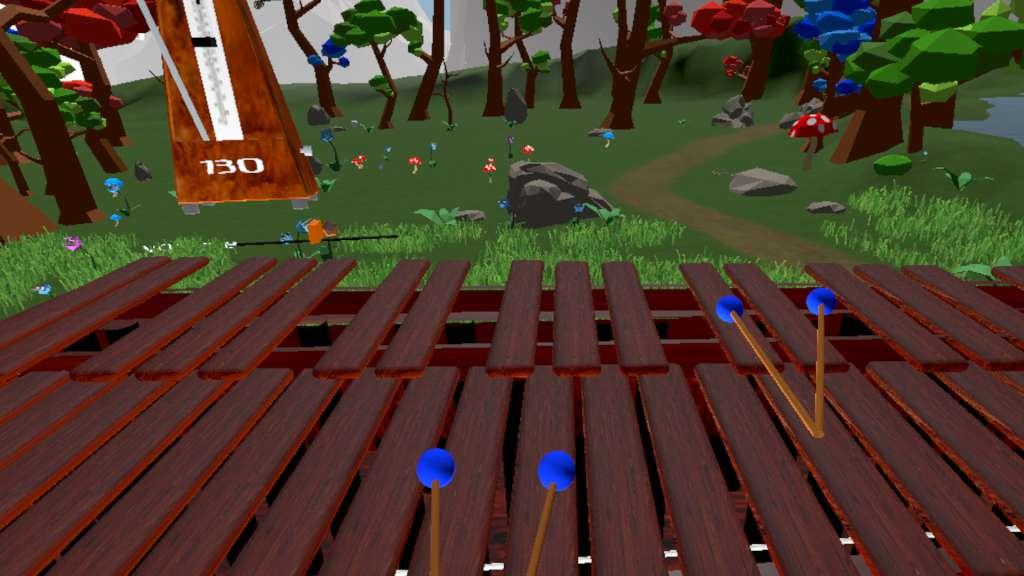
Melody is a musical VR experience in which the user plays the African / Central American instrument: marimba, in different environments; merging creativity with the presence of VR simulation. A low latency audio engine allows for players to experience very little lag and jitter in their audio experience.
We focused on creating a simulation instrument that is both expressive and realistic. Like with the physical instrument, players can play with a combination of soft and hard mallets and currently the experiences supports play with up to 4 mallets (two per hand).
There are also other features common to a musical workstation including a metronome, 4 track recording / playback, velocity and resonance sensitivity in the keys. There are currently 3 levels to choose from.
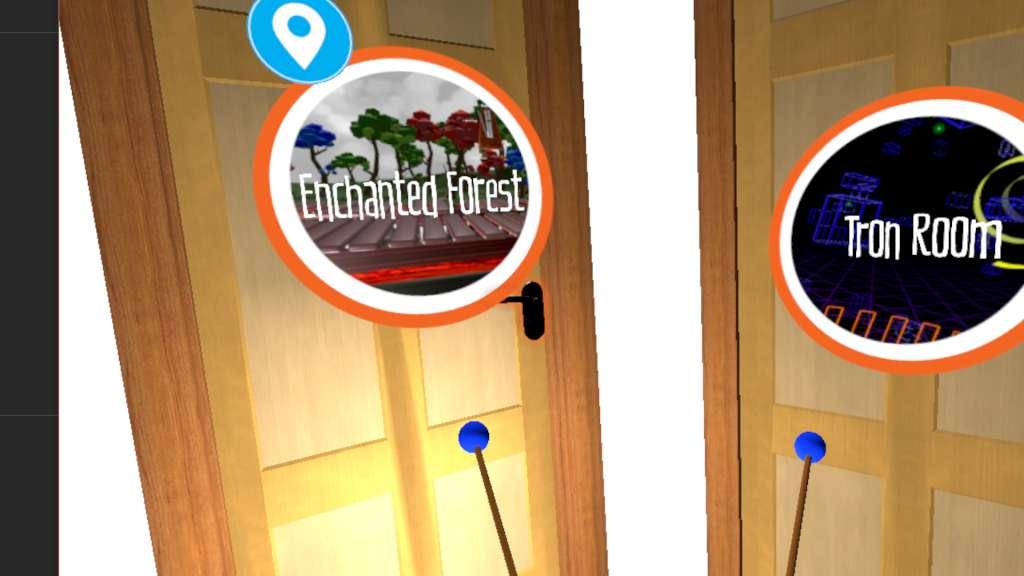
The Enchanted Forest is a fanciful forest scene where musical play generates excitement in the wildlife and the trees. The Practice Room is a true-to-life music room that serves a great sterile environment where one can focus and hone their skills.
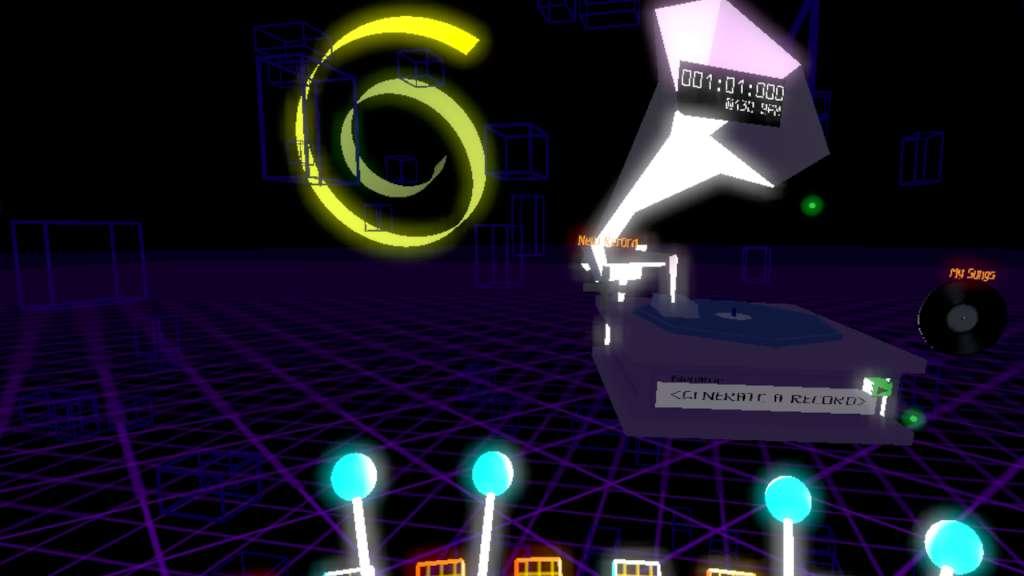
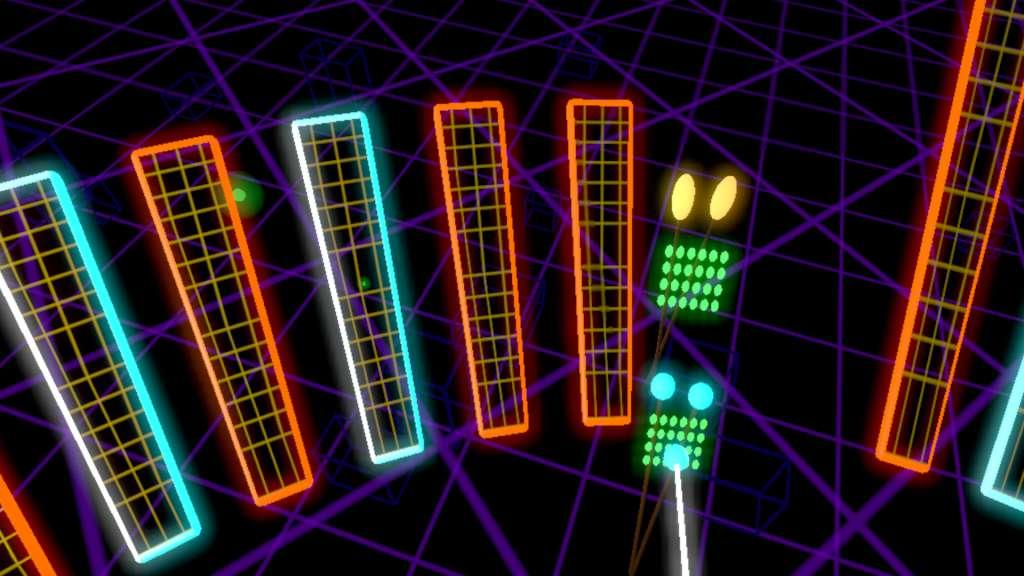
Lastly, The Tron Room is a futuristic environment that makes for a dynamic performance arena.
🎮 Steam
Nyisd meg a Steam klienst.
Kattints a bal felső sarokban: „Játék" > „Termék aktiválása a Steamen…"
Kattints a „Tovább", majd „Elfogadom" gombra.
Írd be a kapott Steam kódot (pl. XXXX-YYYY-ZZZZ).
Kattints a „Tovább" gombra a játék aktiválásához.
